Accessories
The extras that make it all work.
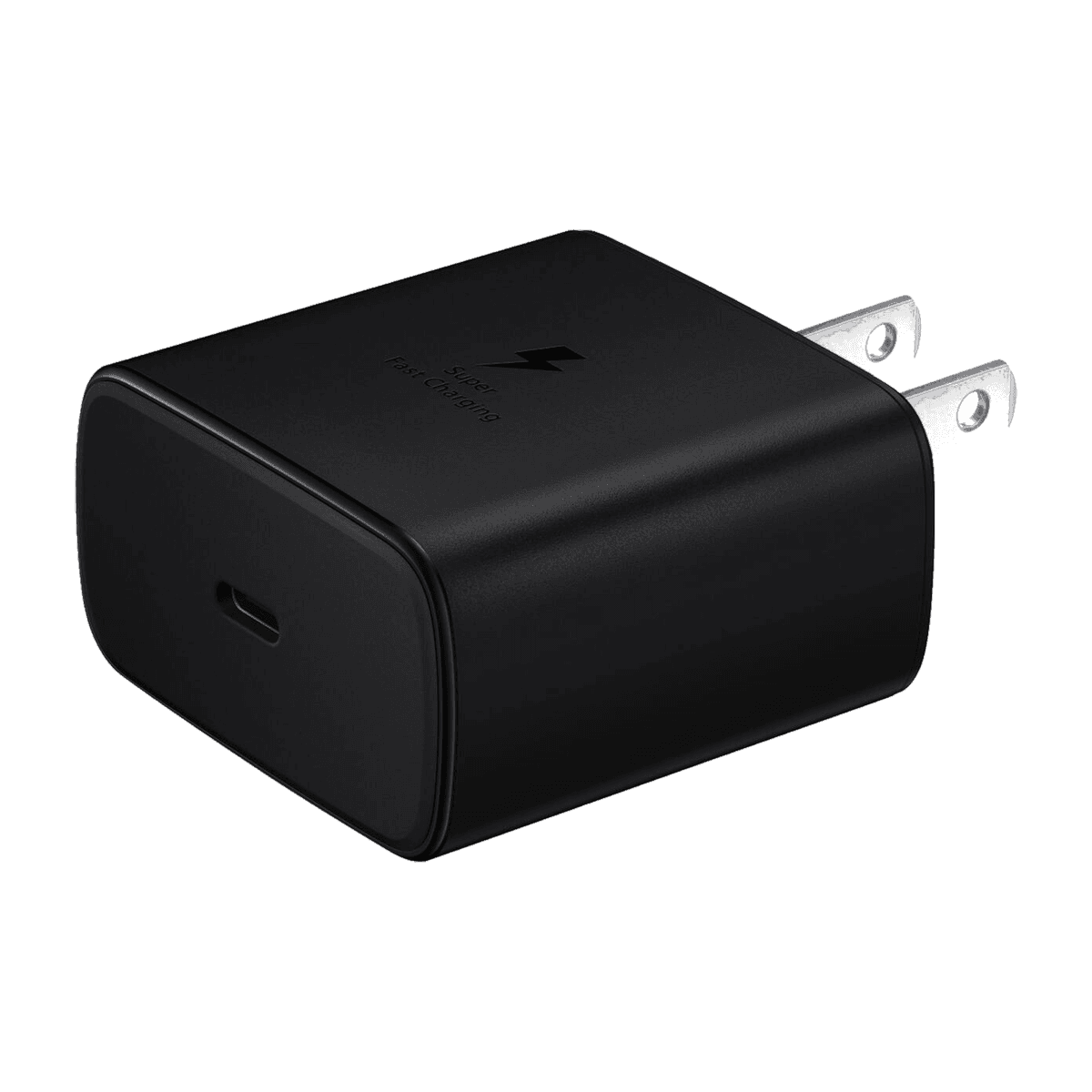
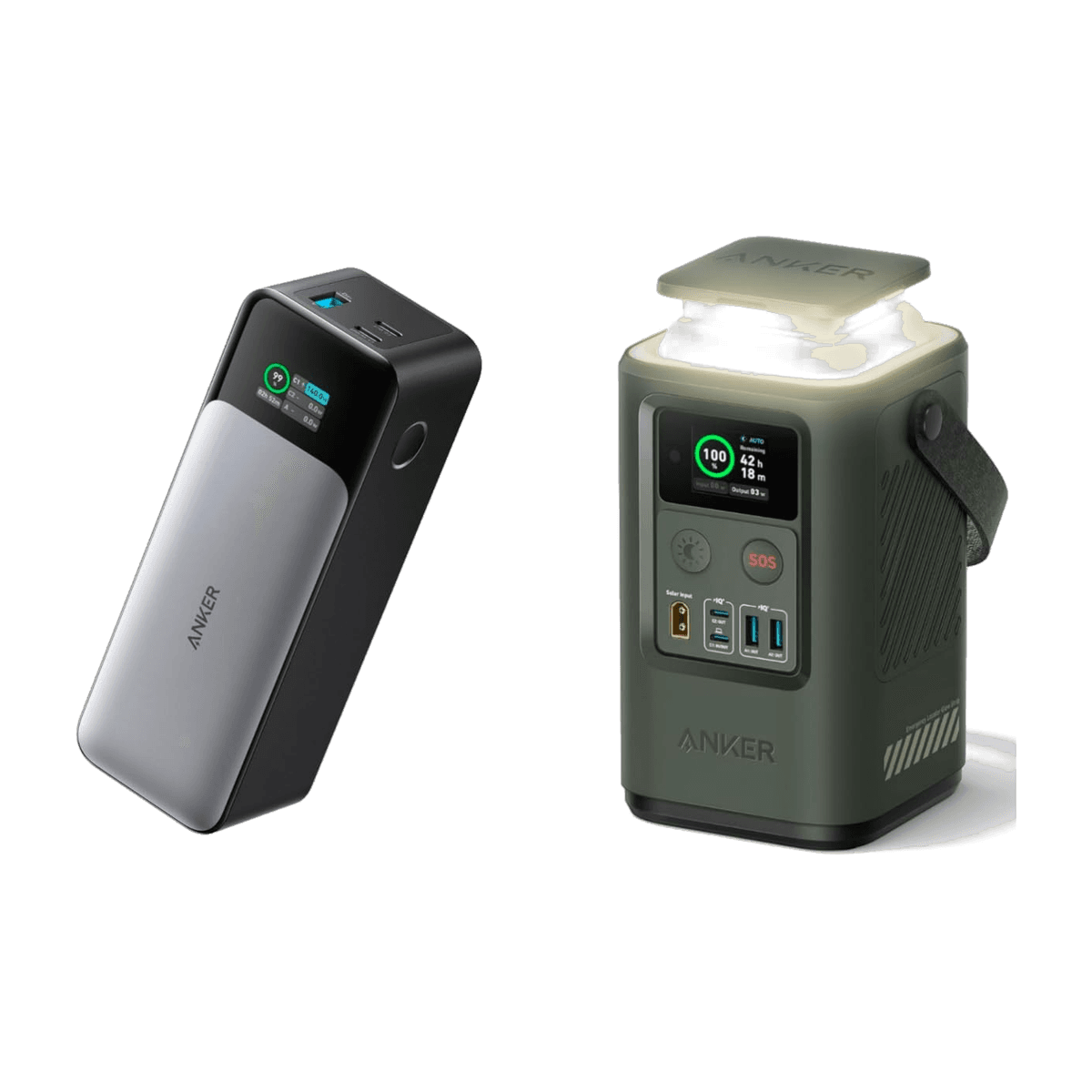
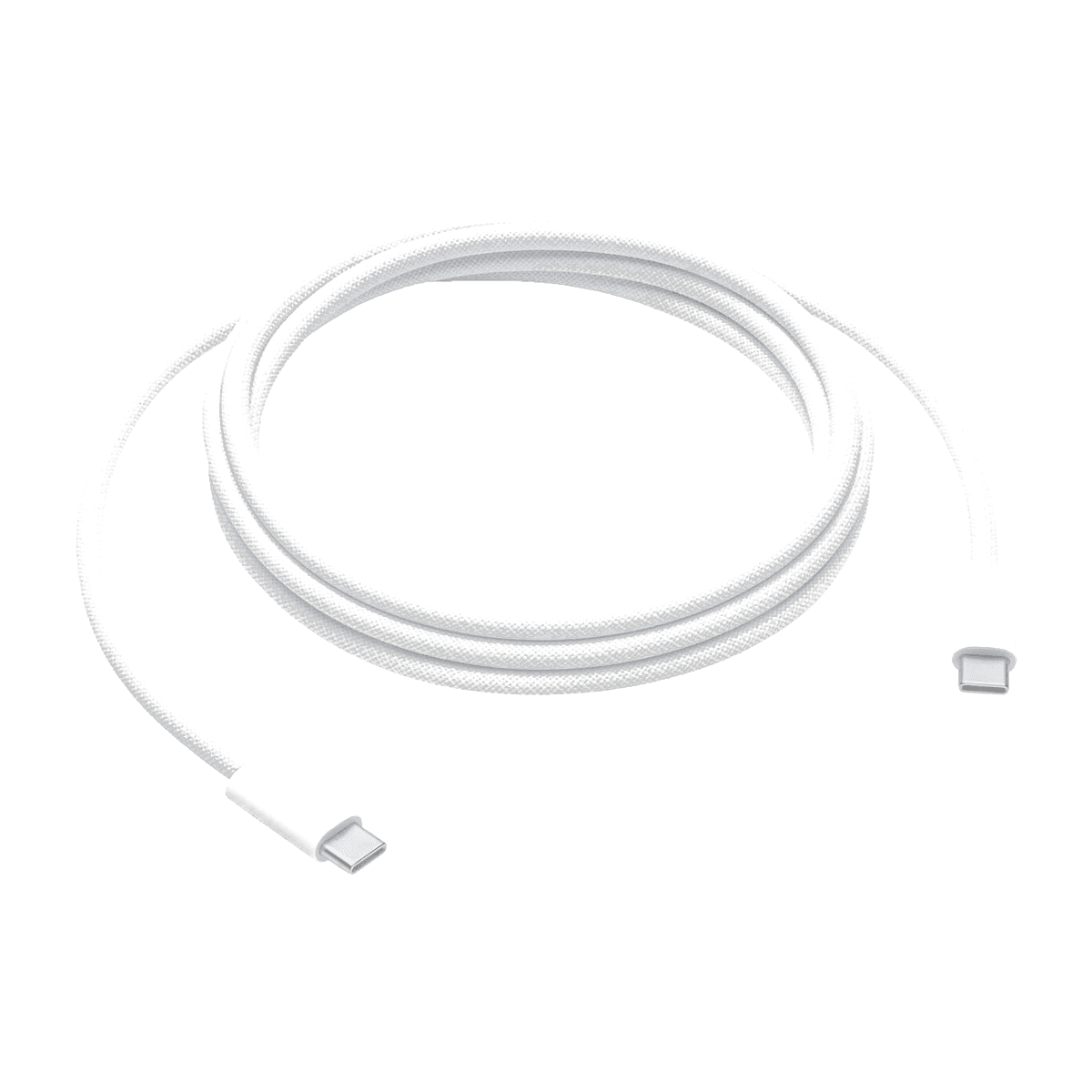
Browse chargers, cases, power banks and cables by type and device family. Confirm fit with your exact device model before choosing.
- Check exact model fit
- Connector guidance
- Power requirements
- Call to confirm
7 products
Buying guide
What to compare
01
Check compatibility before anything else
A charger's wattage, a case's exact model fit, and a cable's connector all matter. Match the accessory to the exact device model before deciding.
02
Charging speed depends on the whole chain
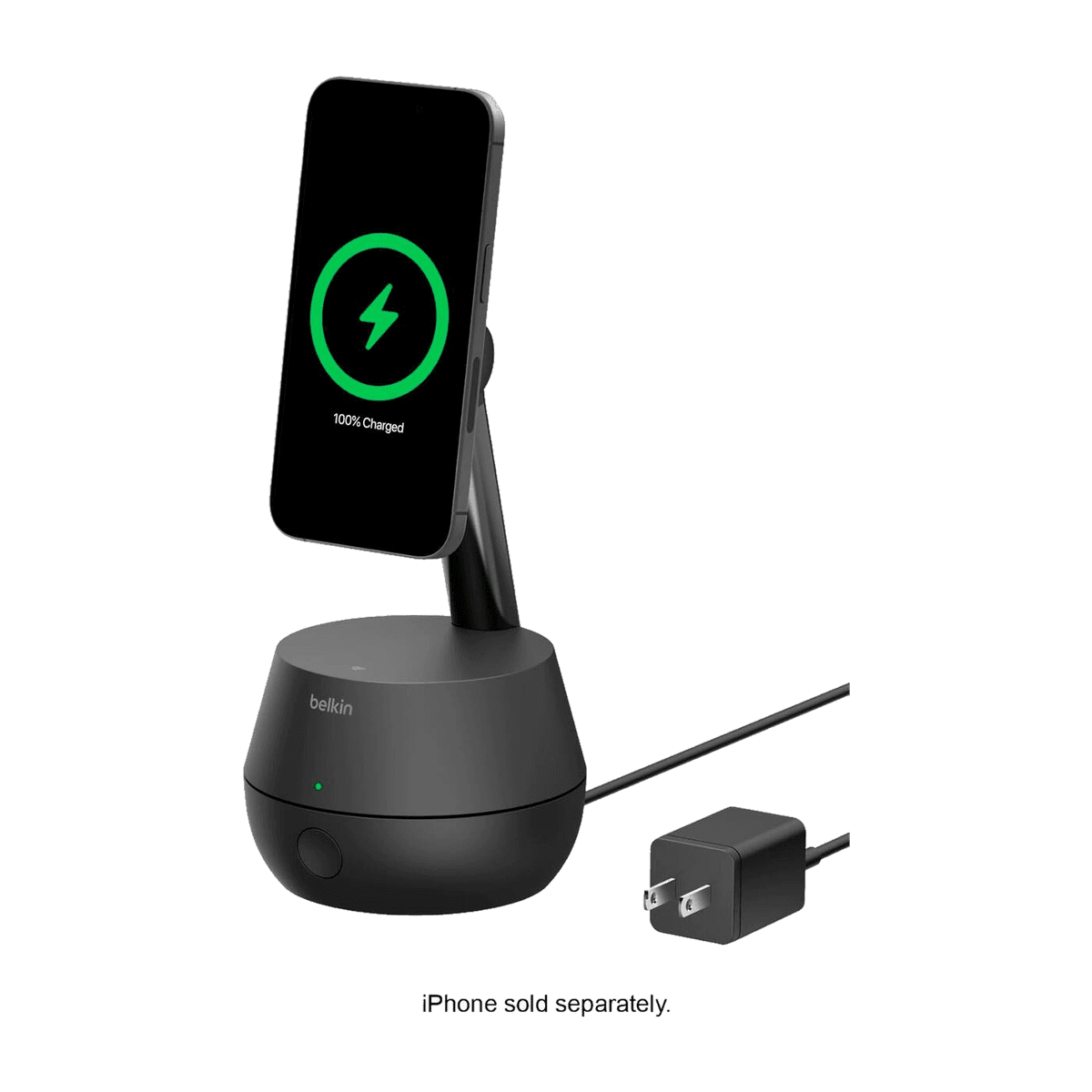
Fast charging needs a capable charger, a compatible cable, and a device that supports the same standard. Compare all three specifications together.
03
Match protection to the exact device
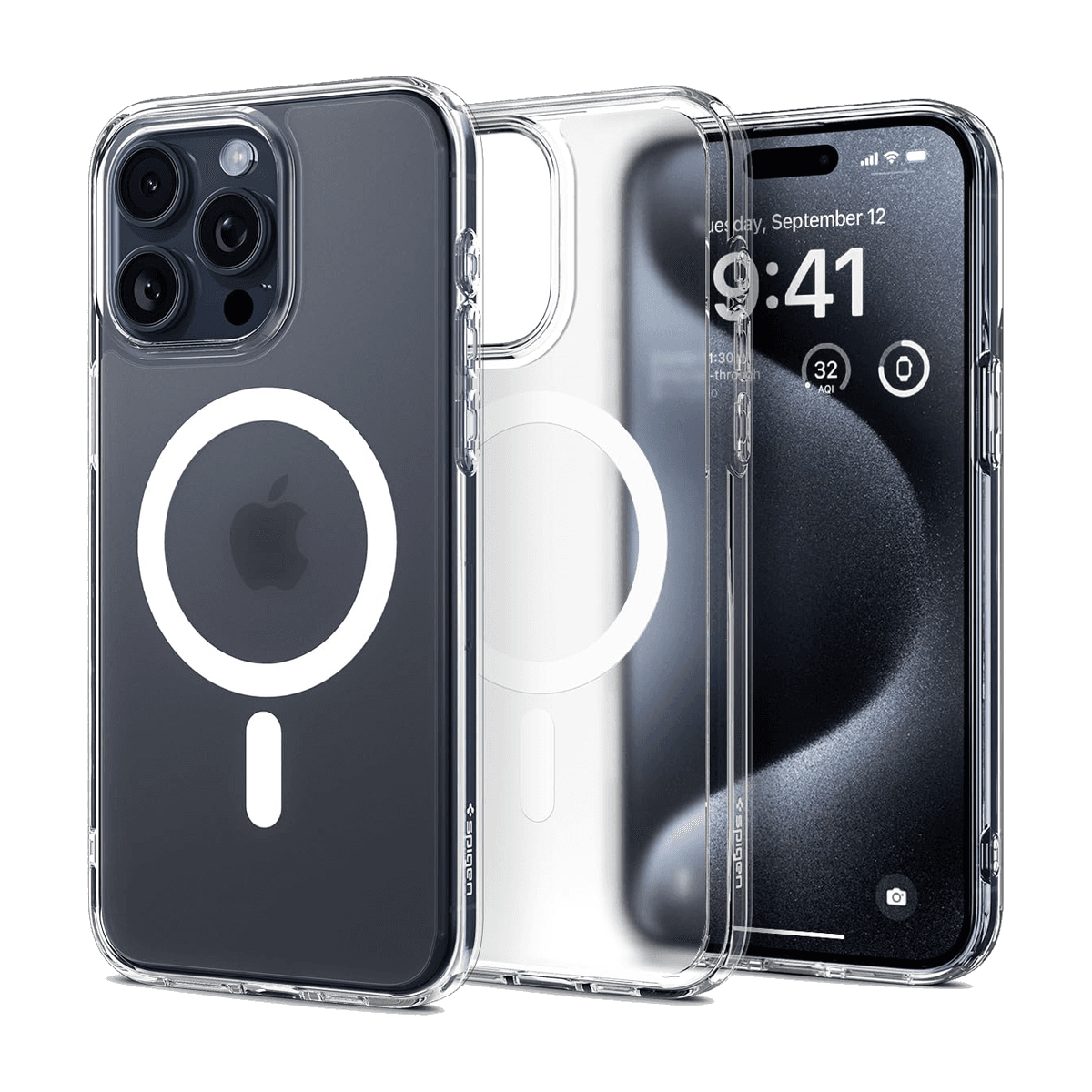
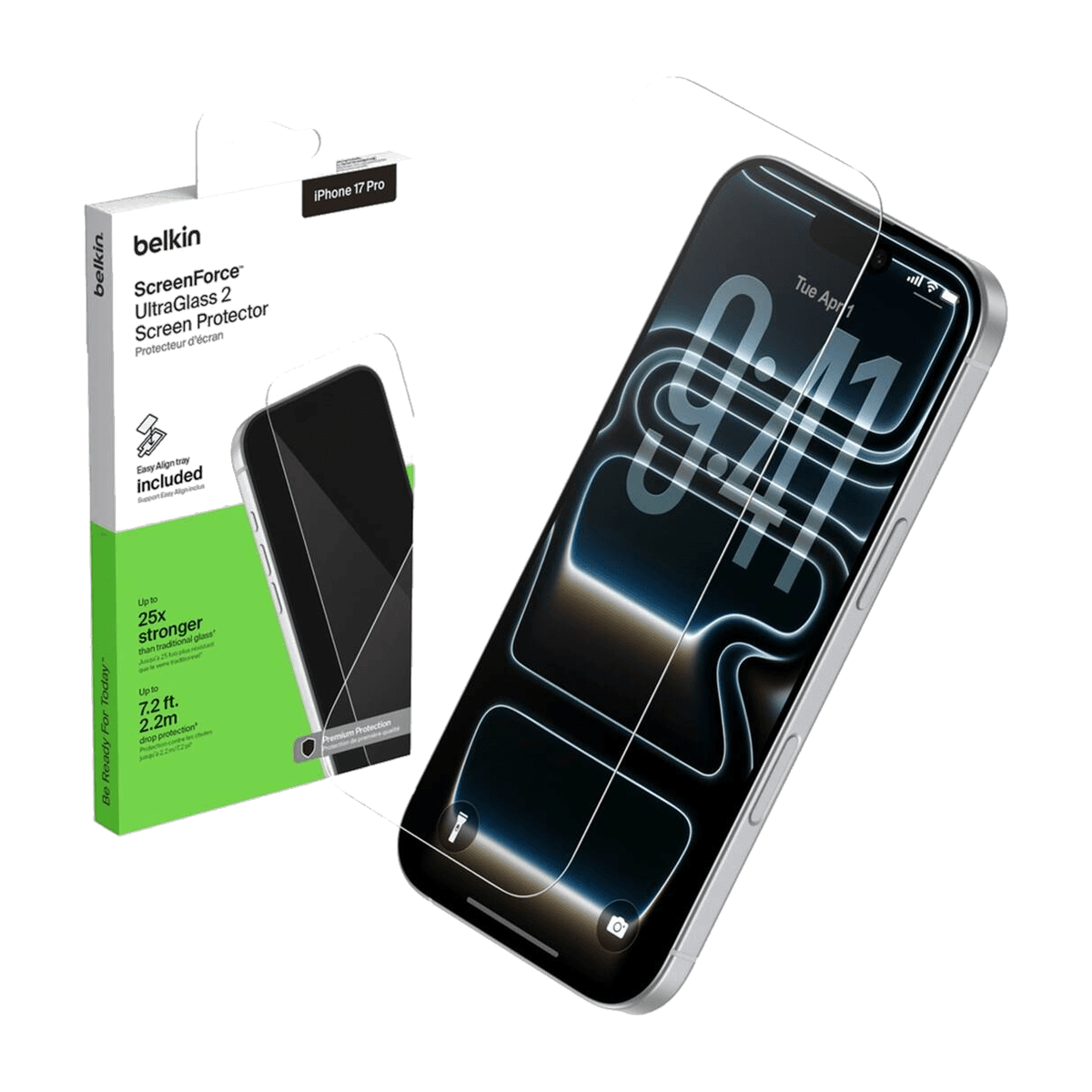
Cases and screen protectors are model-specific. Confirm the device model, dimensions, connector access, and camera cutout before choosing one.
Find your phone model
iPhone: Open Settings → General → About. Look for Model Name, such as iPhone 13. For the model number, tap the value beside Model Number.
Apple model help (opens in a new tab)Samsung Galaxy: Open Settings → About phone. Look for the model name and model number. Menu names can vary by phone and software version.
Samsung model help (opens in a new tab)Use the model name and number when asking about a case or screen protector. A device-family filter does not confirm exact fit.