Tablets
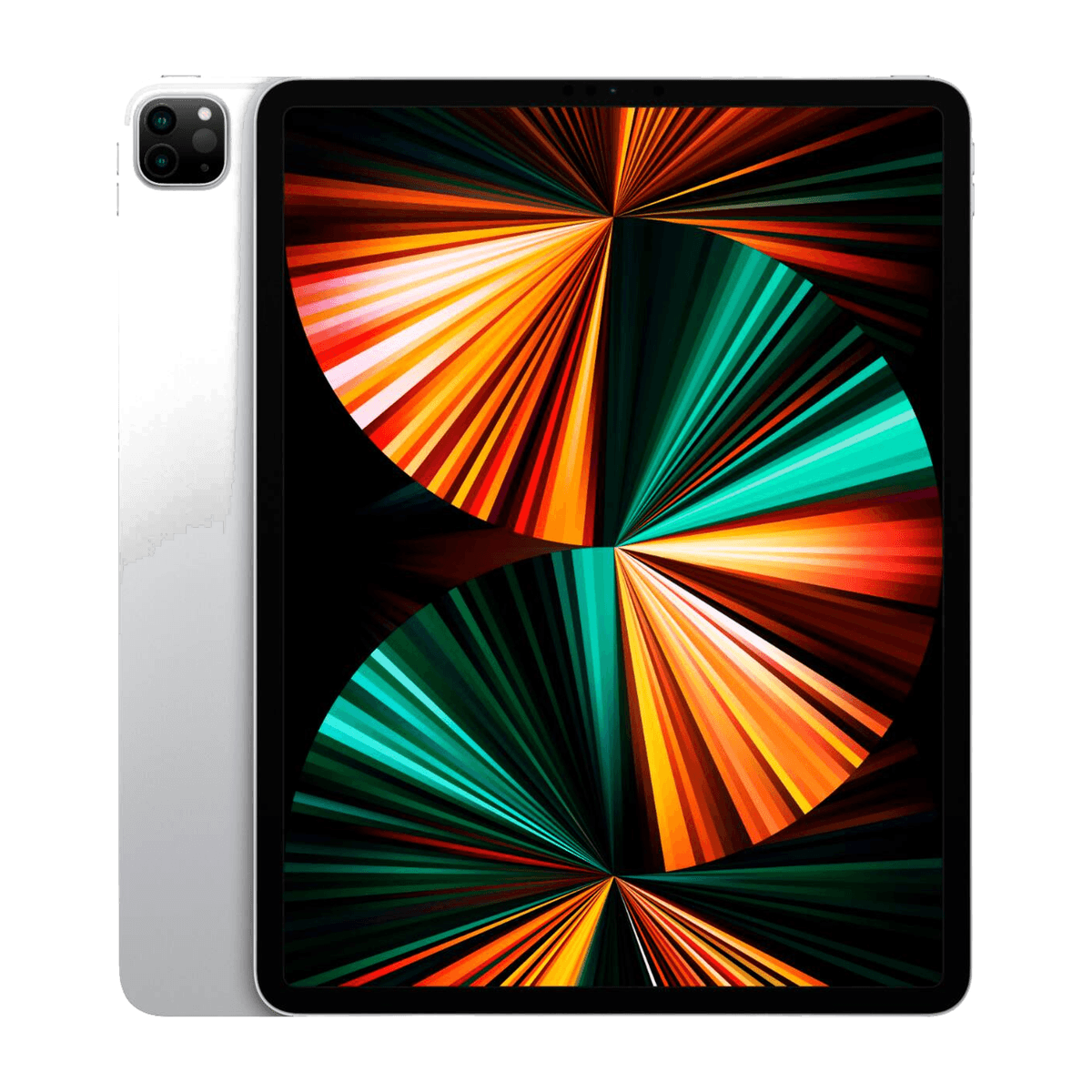
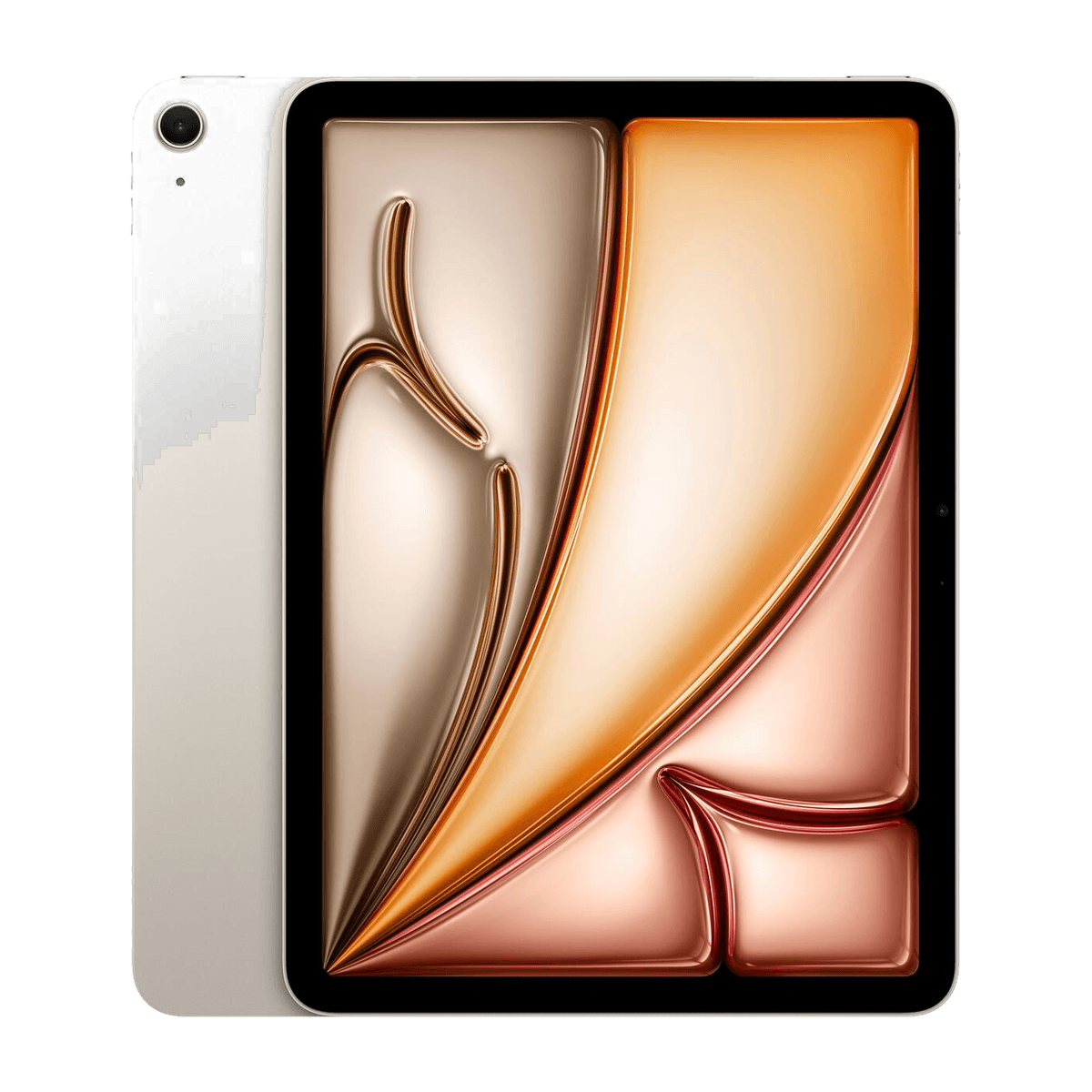
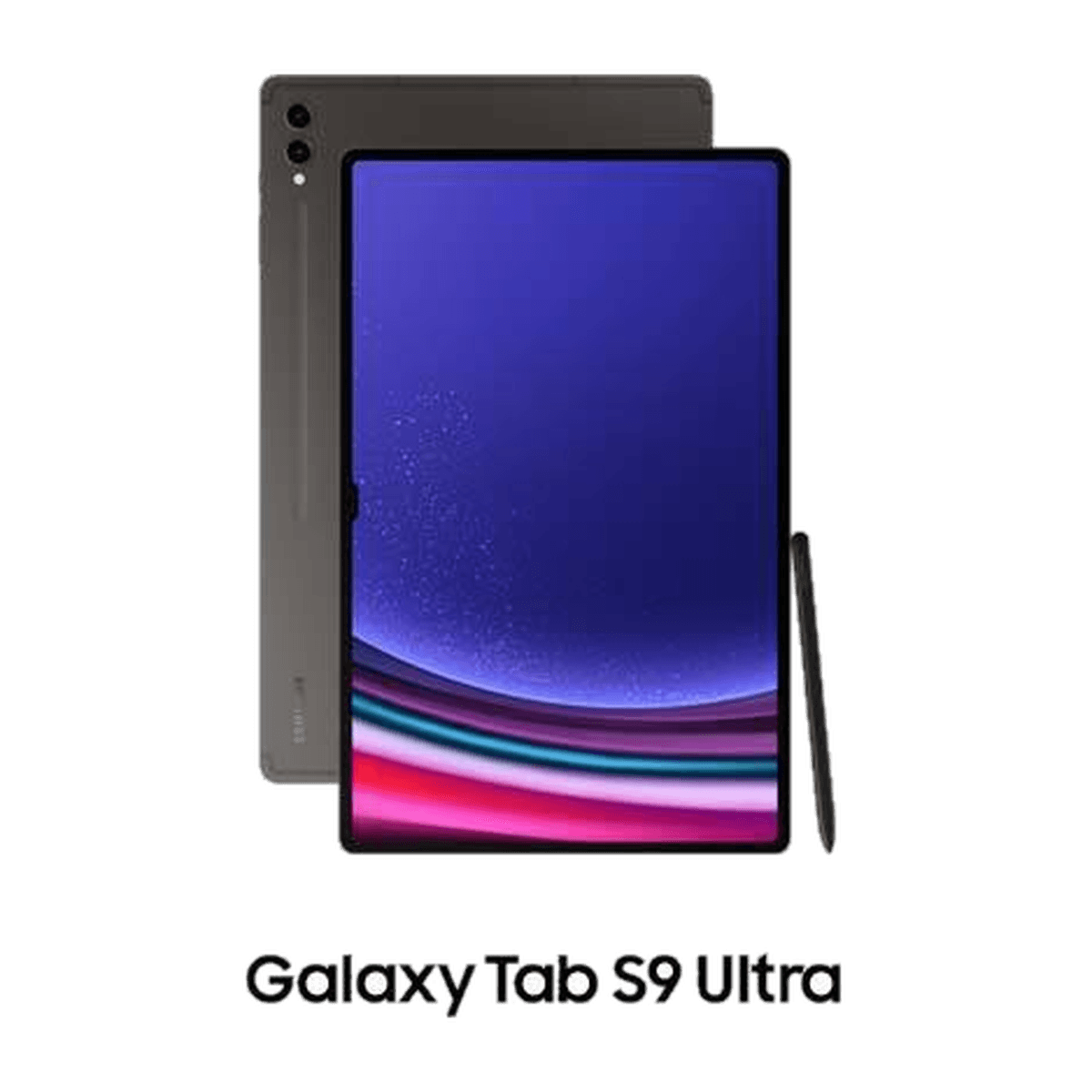
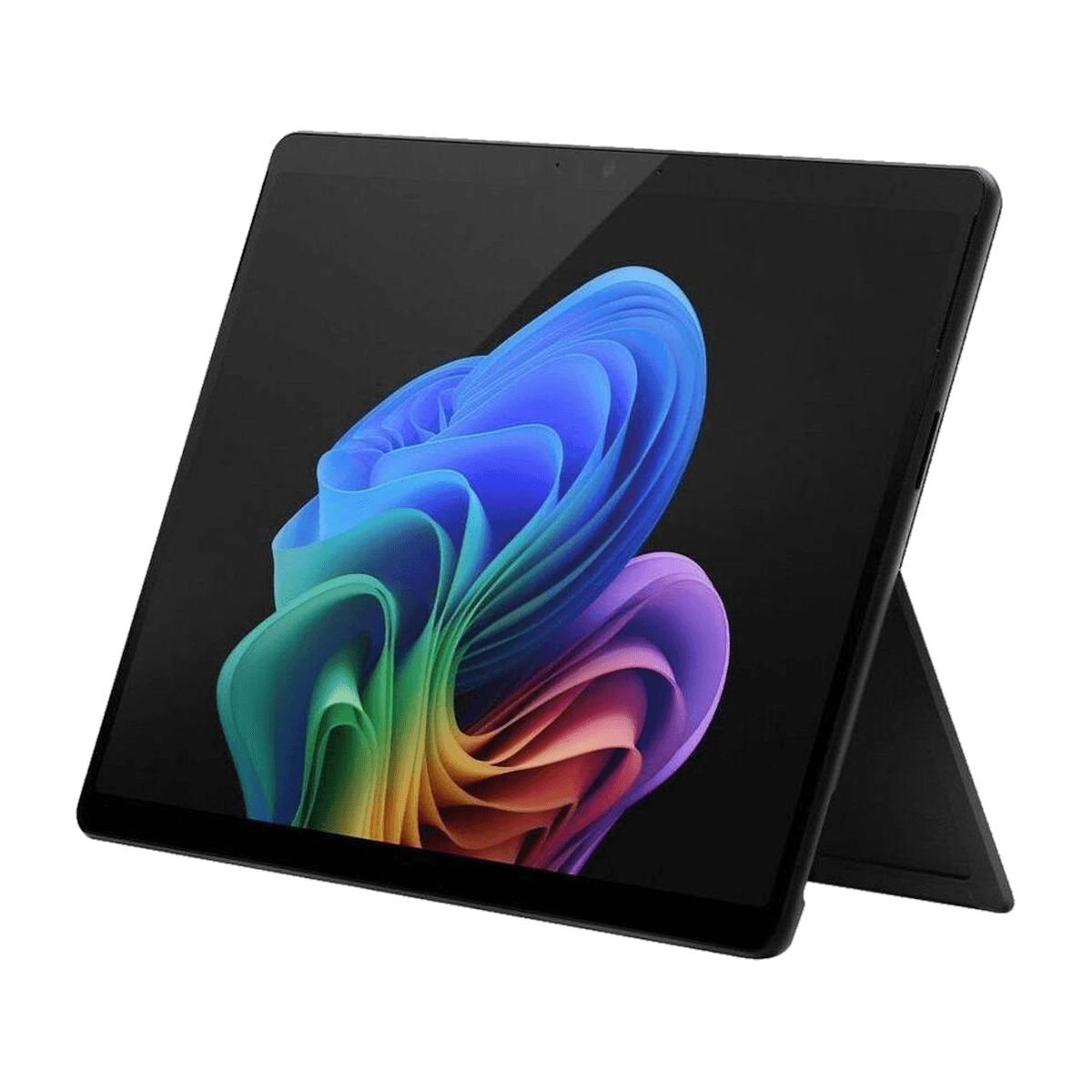
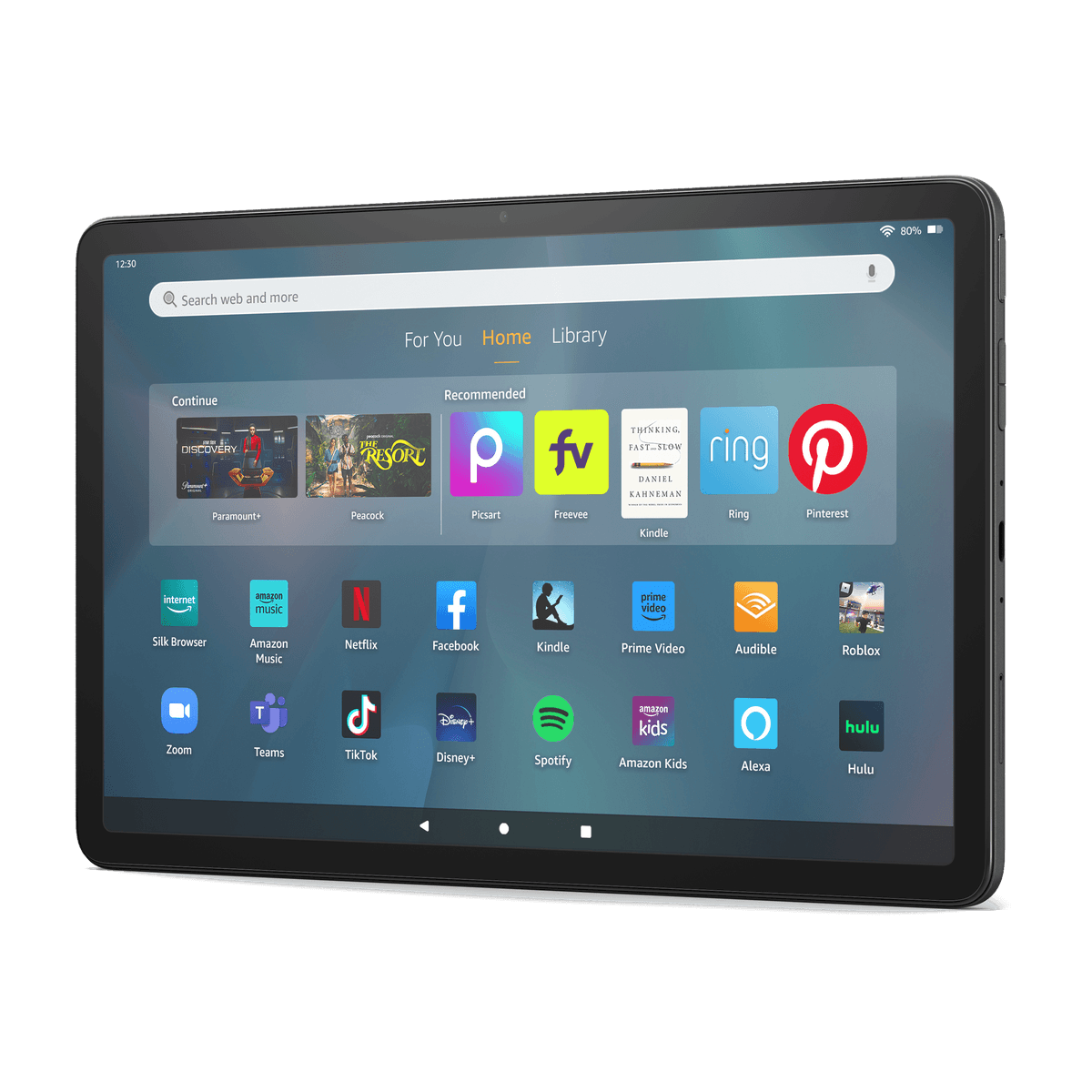
Watch, sketch, read, or replace your laptop.
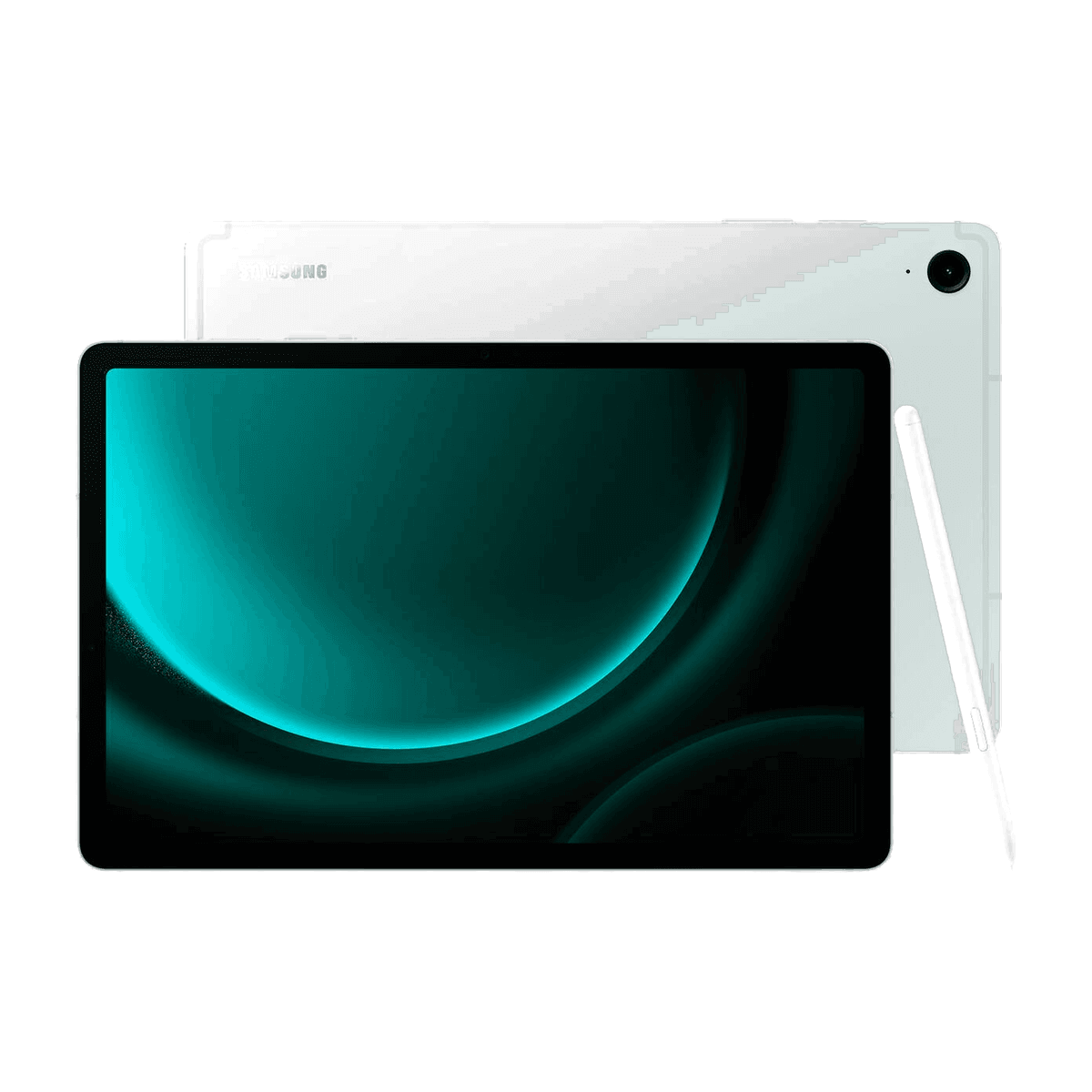
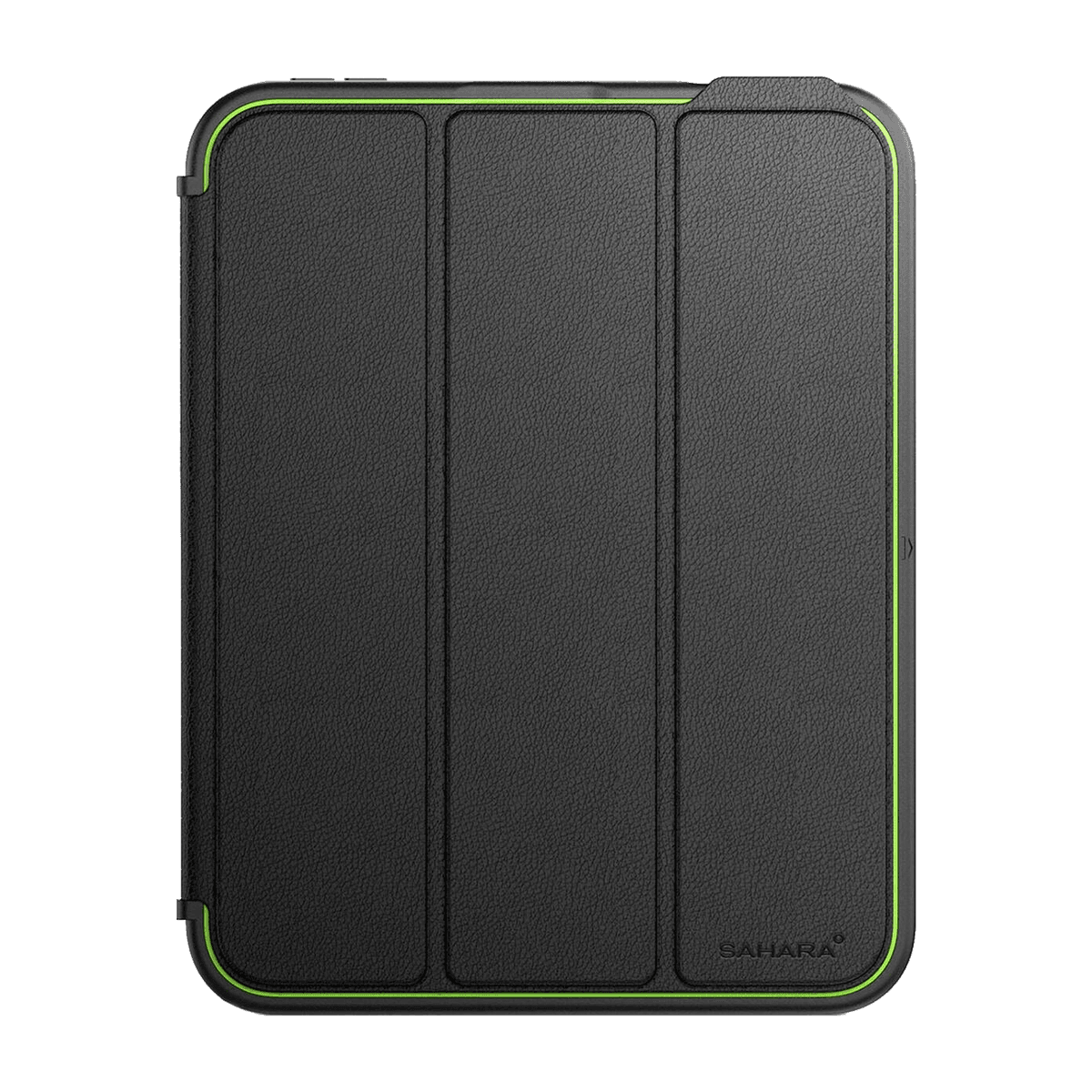
From featherweight readers to pro tablets that drive a stylus and keyboard. Choose Wi-Fi or always-on cellular, and pair the right accessories.
- Wi-Fi or cellular
- Screen-size comparison
- Stylus compatibility
- Call to confirm
7 products
Buying guide
What to compare
01
Define the tablet's role
Compare display, application, keyboard, and stylus support based on whether the tablet will supplement or replace another device.
02
Compare Wi-Fi and cellular models
Cellular use requires a compatible model, carrier support, and a plan. Ask the store to confirm the exact configuration.
03
Check compatible styluses and keyboards
Accessory compatibility varies by tablet model and generation. Confirm the exact model number before choosing an accessory.