Laptops
Pick by what you do, not by what's on the box.
Ultrabooks, creator rigs and gaming machines, sorted by what you actually use them for. Configure memory and storage, then check it against your workload.
- Compare workloads
- Memory options
- Storage options
- Call to confirm
7 products
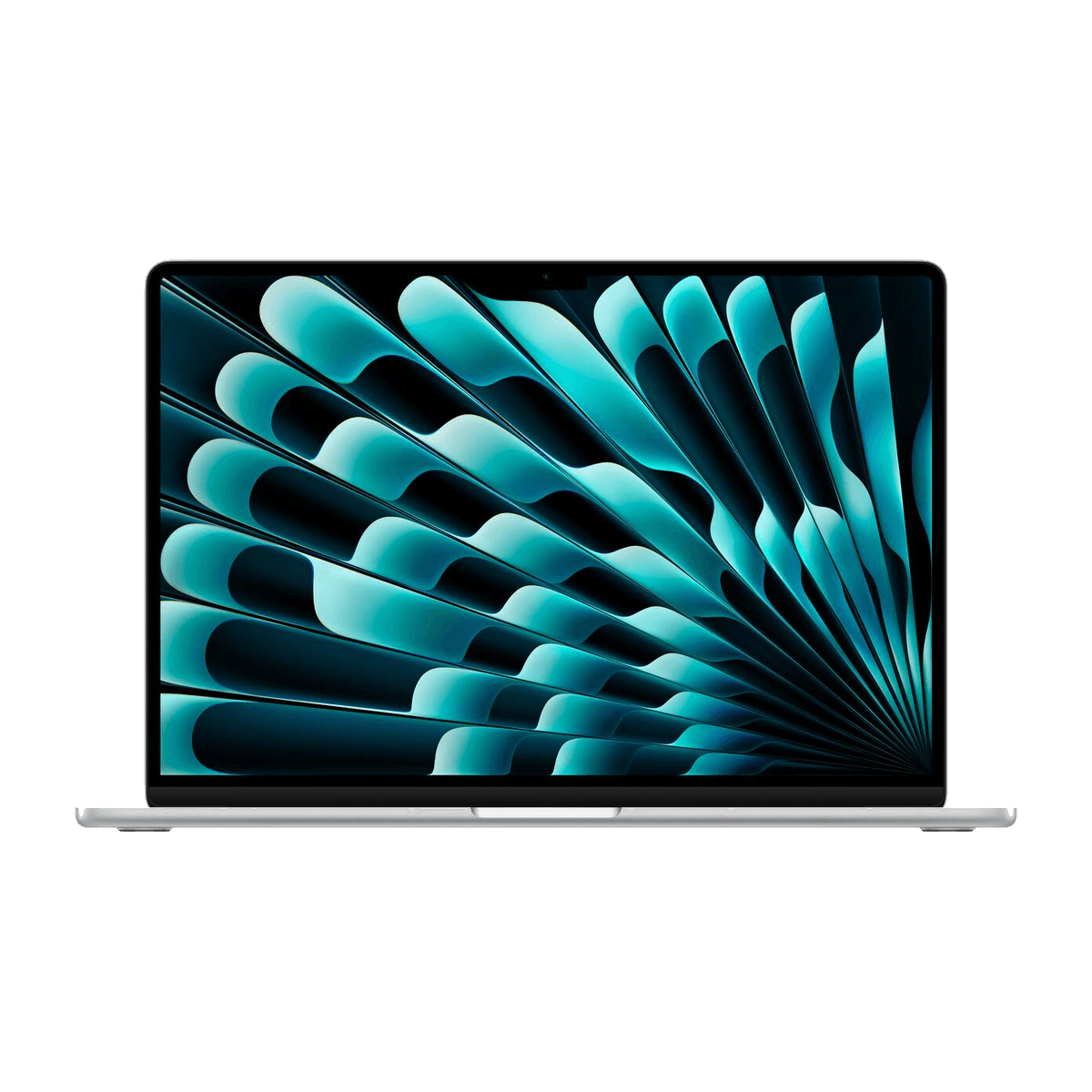


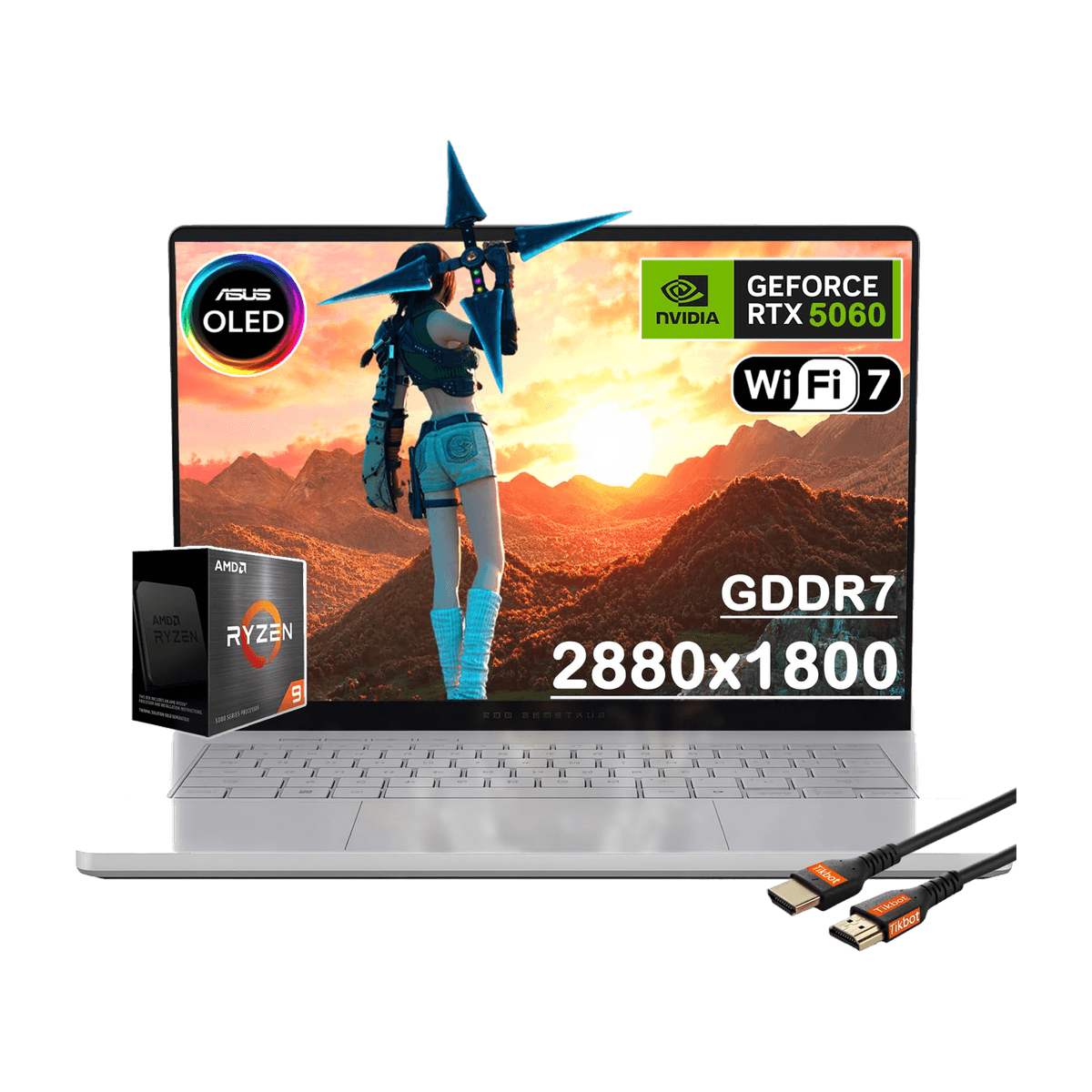
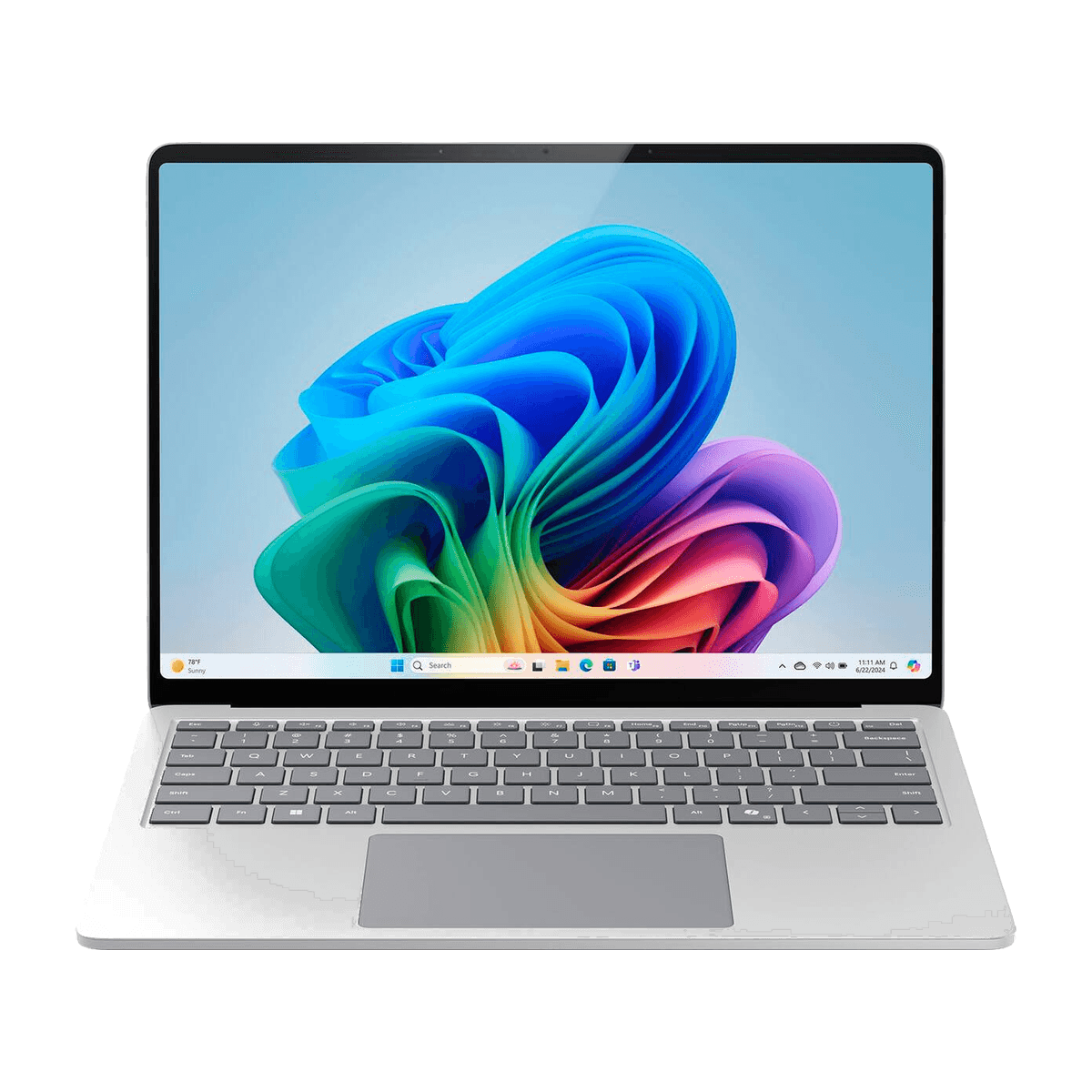
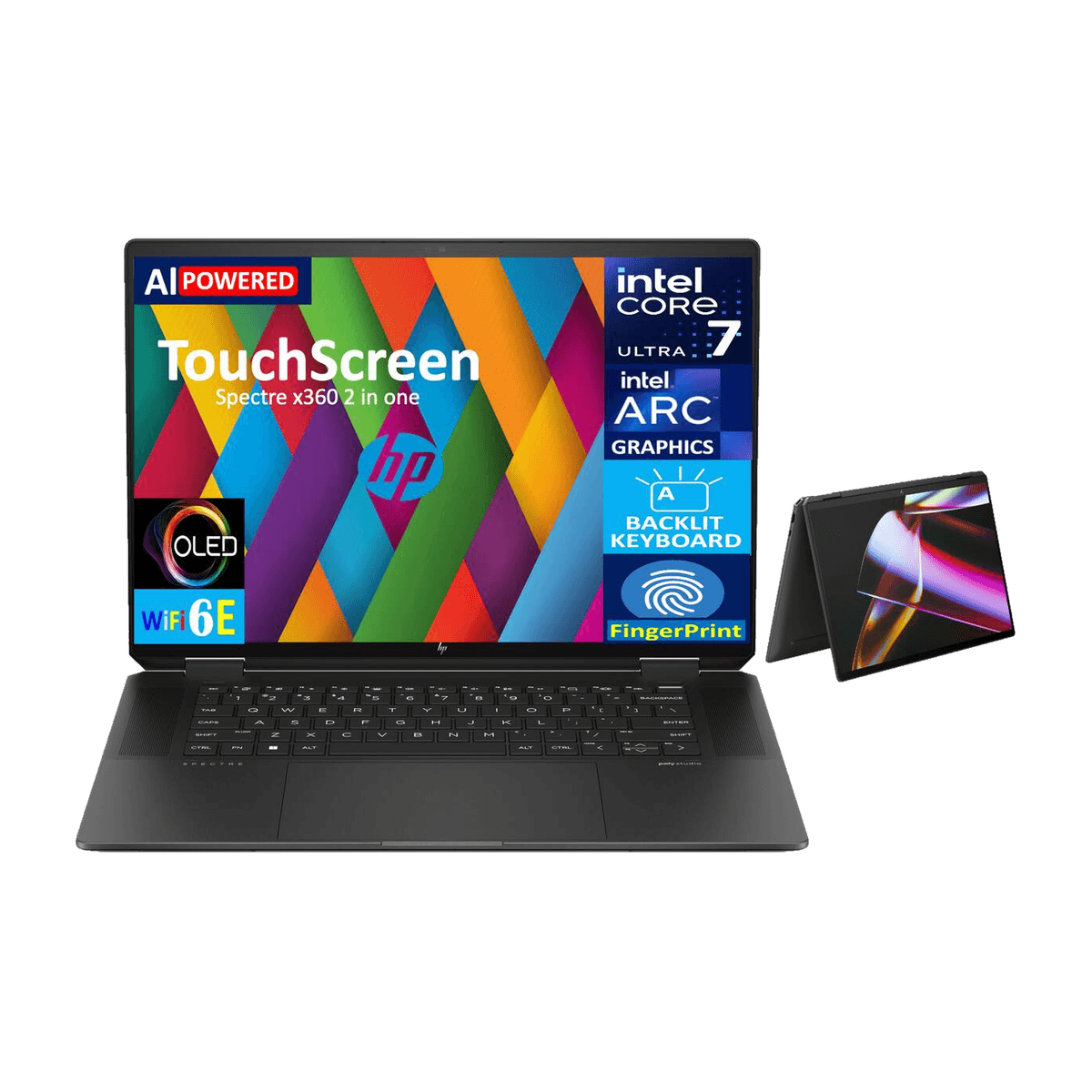
Buying guide
What to compare
01
Match the machine to the workload
Compare the processor, memory, storage, and graphics requirements of the applications and files you plan to use.
02
Check memory and storage upgradeability
Some laptops have soldered components while others accept upgrades. Confirm the exact configuration and upgrade options before choosing.
03
Compare battery, weight, and ports
Battery specifications, weight, and connectivity affect how a laptop fits your routine. Review the listed details for the exact model.