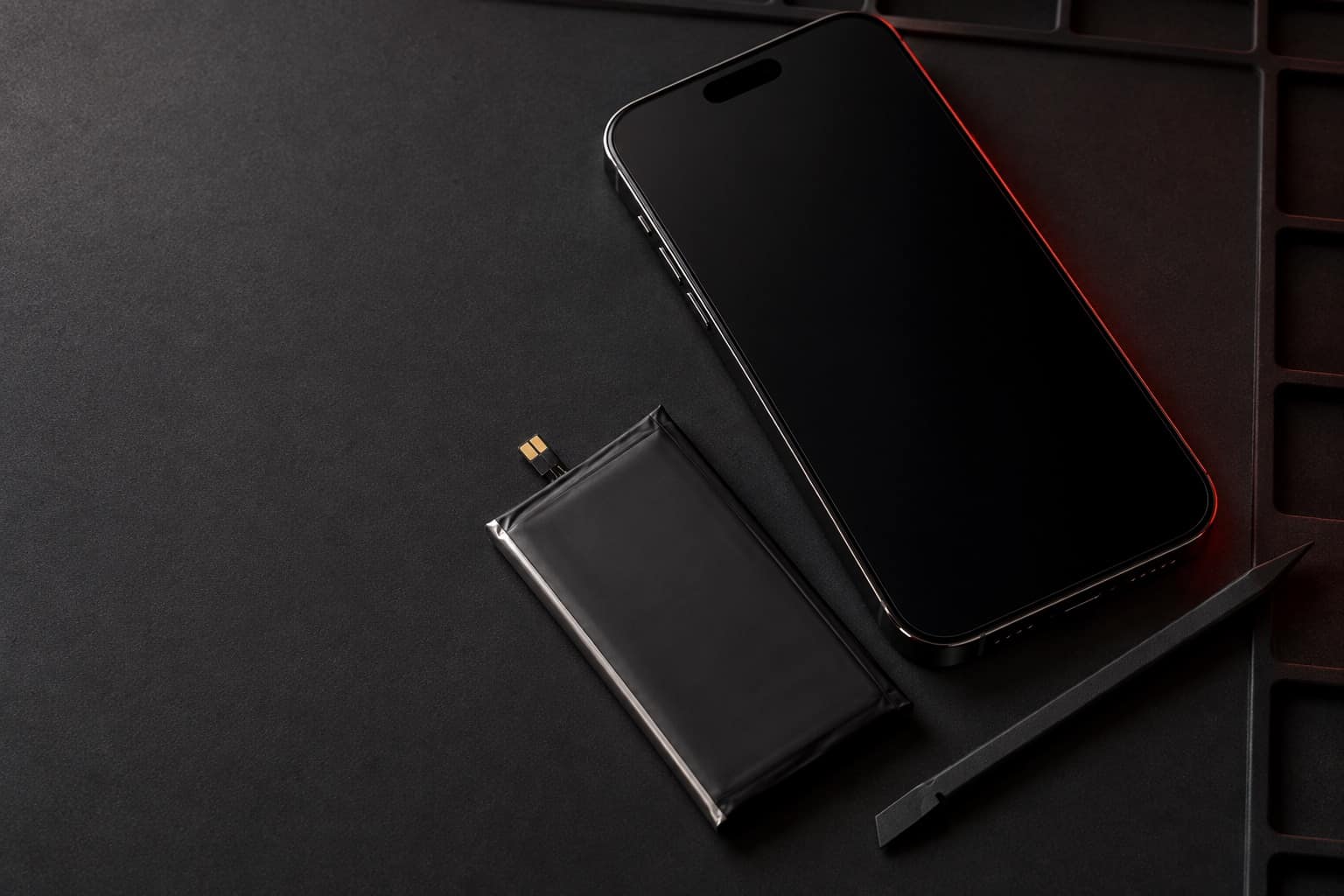
iPhone 14 Pro Max battery replacement in Beltsville, MD
The iPhone 14 Pro Max is one of the phones we see most at our Beltsville store, and by now many of them are on their original battery. If yours drains fast or shuts off early, a new battery can make it feel like your phone again. Bring it to Wireless Vision on Cherry Hill Road.
Estimated starting price$50
Final price confirmed in store before any work.
Booking sends a request, not a confirmed appointment. The store confirms your model and visit.
Battery Health & Charging in Settings, charges over Lightning
Released 2022. Specs as published by Apple.
- Battery health
- Settings > Battery > Battery Health & Charging
- Cycle count in Settings
- Not shown (iPhone 15 and later only)
- Apple's design target
- 80 percent of original capacity at 500 full charge cycles
- Charging port
- Lightning
- Wireless charging
- MagSafe and Qi2 up to 15W, Qi up to 7.5W
Signs your iPhone 14 Pro Max battery needs replacing
- Maximum Capacity under Battery Health & Charging keeps dropping month to month
- The Always-On lock screen seems to cost more battery than it did when the phone was new
- The phone shuts down in the cold or during a video call even with charge left
- Peak Performance Capability says the phone had an unexpected shutdown
- It gets hot while charging on MagSafe or a Lightning cable and drains quickly afterward
If the battery looks swollen, the screen or back is lifting, or the phone gets hot, stop using and charging it. Don't press on it or try to open it, and call the store.
What to know about the iPhone 14 Pro Max
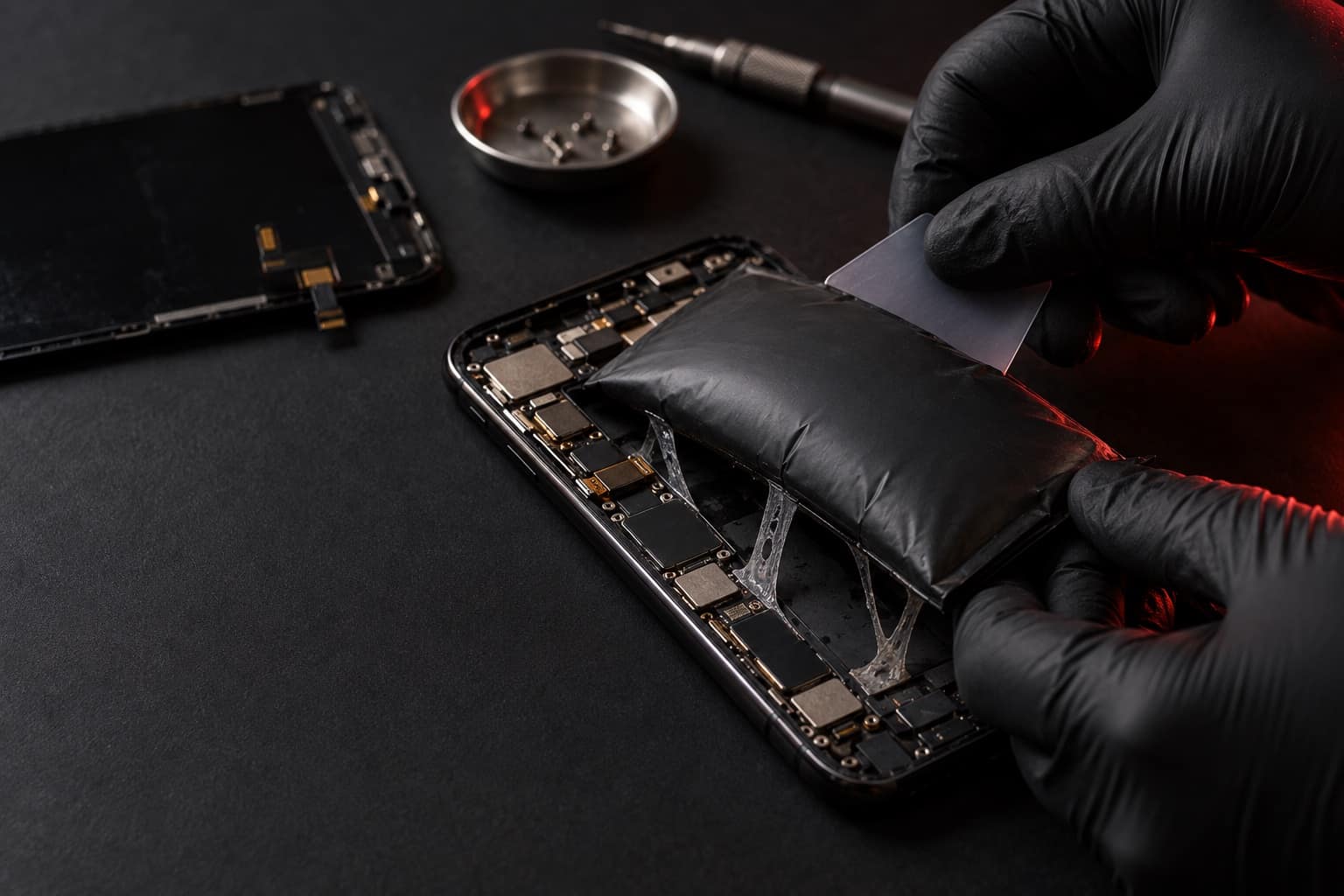
- Where to see battery health on this model
- On the 14 Pro Max it's Settings > Battery > Battery Health & Charging. You'll see Maximum Capacity and a Peak Performance Capability message. The cycle count isn't shown in Settings on this model; Apple shows it only on iPhone 15 and later.
- Always-On is a setting, not a fault
- The 14 Pro models were the first iPhones with an Always-On display. If you want more time between charges, you can turn it off under Settings > Display & Brightness > Always On Display. If the battery still fades quickly, the battery is the likelier cause.
- Apple's 500-cycle design target
- Apple designs batteries in iPhone 14 models and earlier to keep 80 percent of their original capacity at 500 full charge cycles under ideal conditions. A 14 Pro Max used daily since 2022 can be well past that.
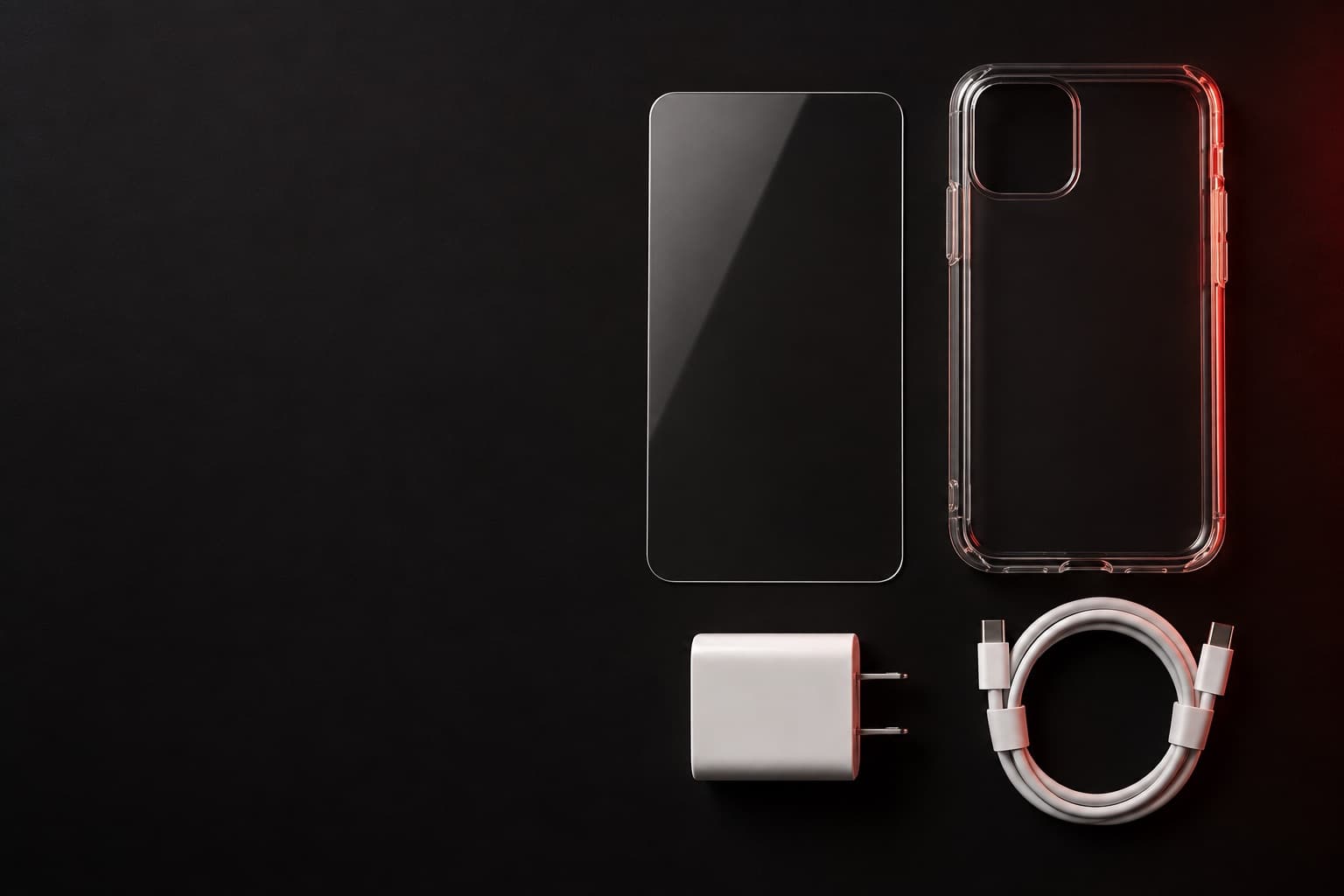
Book online, get a free accessory.
Book any repair online and claim a free screen protector, case, or charger. Our team picks the one that fits your phone when you come in.
Screen protector · Case · Charger
Claim it when you book
Premium-quality parts
Battery replacements at Wireless Vision use premium-quality parts, and we confirm your exact model before choosing the battery.
Final price at the counter
Bring the phone in, tell us how the battery has been acting, and talk price at the counter. You approve the quote before any work starts.
iPhone 14 Pro Max battery from $50
Listed prices are starting estimates based on the prices currently published by Wireless Vision. The Beltsville store confirms the final price after verifying the exact model, condition, required part, and applicable tax before work begins.
Before you bring it in
Show the 4 stepsHide the steps
Back up first while the phone still has charge: Settings > your name > iCloud > iCloud Backup > Back Up Now, on Wi-Fi. A computer backup works too.
Have your passcode ready. You'll want it to unlock the phone and look at Battery Health once the new battery is in.
Note what Battery Health shows now (Maximum Capacity and the Peak Performance Capability message) and when the drain or shutdowns started. It helps us see the whole picture.
If the battery looks swollen or the screen is lifting, don't charge it on the way. Call the store first.
Visit the store
Hours


Address
Wireless Vision
11446 Cherry Hill Rd
Beltsville, MD 20705
Hours
- Mon–Sat 10 AM–8 PM
- Sun 11 AM–6 PM