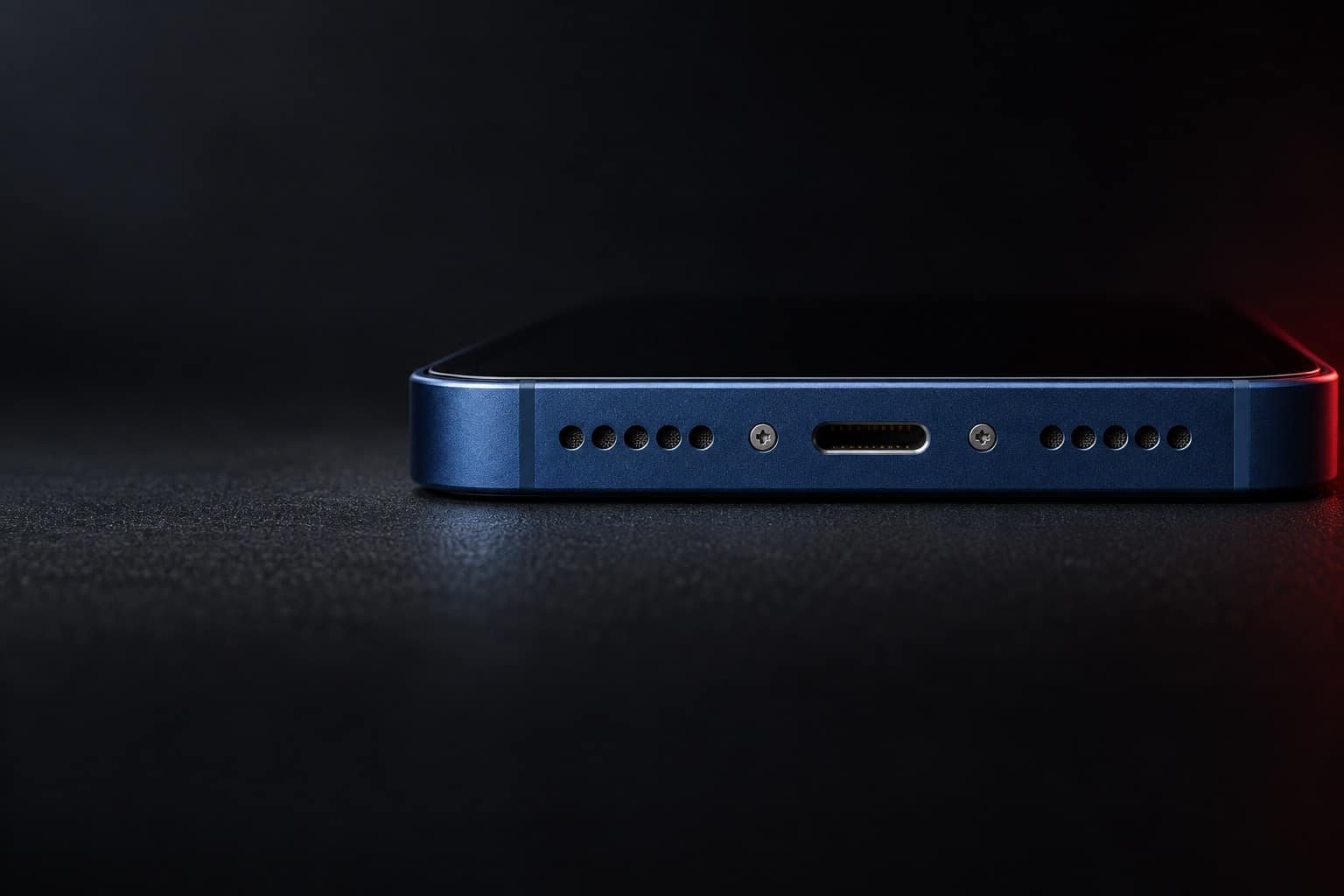
iPhone 12 charging-port repair in Beltsville, MD
The iPhone 12 was the first iPhone with MagSafe, which makes a Lightning port problem easy to spot: it charges on MagSafe but not on the cable. If that sounds like yours, bring it to Wireless Vision on Cherry Hill Road in Beltsville, where we check and clean the port first.
Estimated starting price$50
Final price confirmed in store before any work.
Booking sends a request, not a confirmed appointment. The store confirms your model and visit.
Lightning port, plus MagSafe and Qi
Released 2020. Specs as published by Apple.
- Connector
- Lightning
- Wireless charging
- MagSafe up to 15W, Qi up to 7.5W
- Water resistance
- IP68, up to 6 meters for up to 30 minutes
- Liquid alert
- Liquid detection in the Lightning connector
Signs your iPhone 12 charging port needs a look
- It charges on a MagSafe charger but ignores every Lightning cable
- You have to hold the cable at an angle to get the charging icon
- The plug feels gritty or stops short when you push it in
- The phone isn't recognized by iTunes or Finder on a computer
- Charging stops as soon as the phone is moved
If the plug or port gets hot, smells burnt, or the phone shows a liquid or moisture alert, unplug it and stop charging it by cable, and call the store.
What to know about the iPhone 12
- MagSafe is a built-in test
- If a MagSafe or Qi charger works and the cable doesn't, the battery is taking a charge fine, and the Lightning port or the cable is the problem.
- Cleaning often fixes it
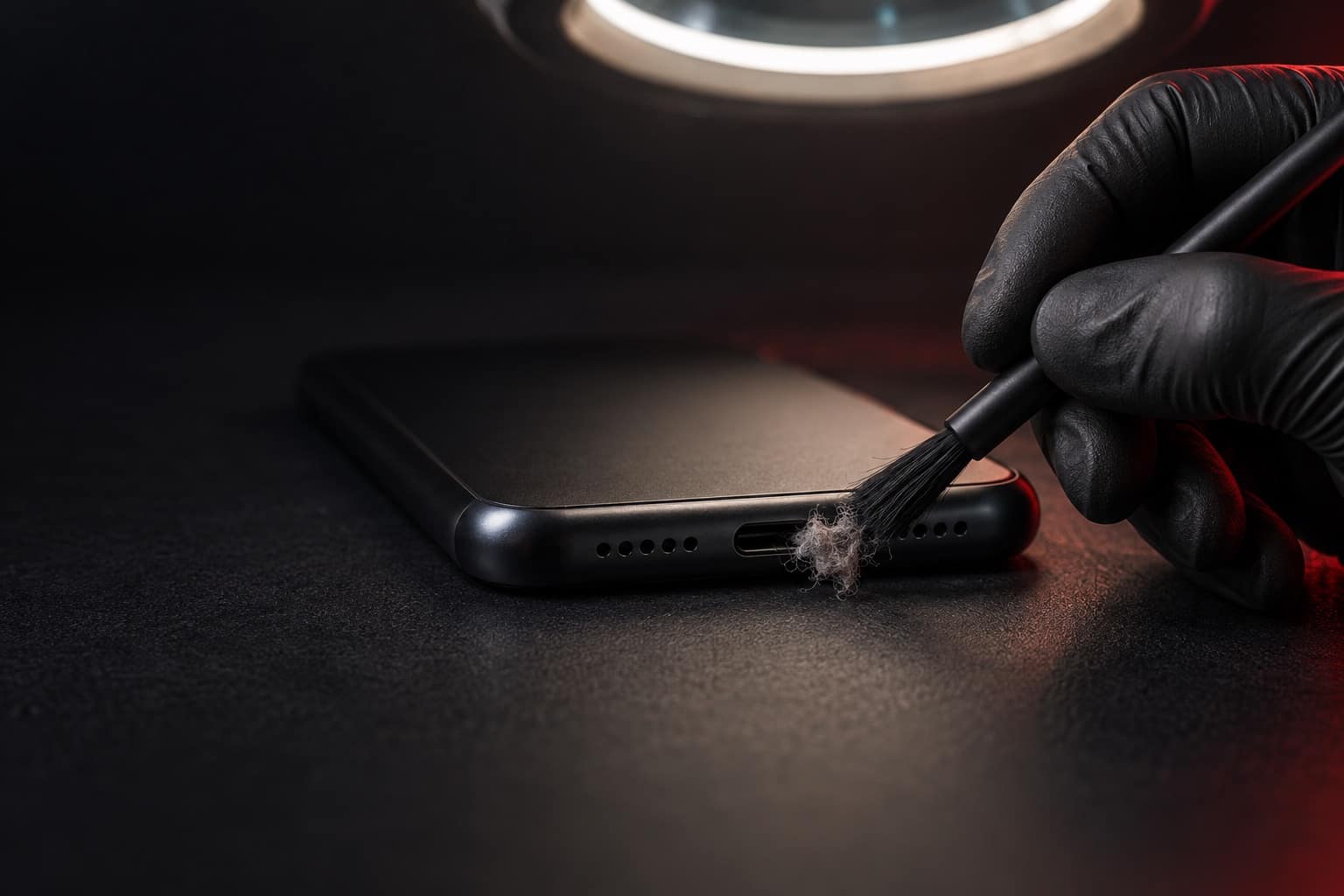
- Apple's first step for an iPhone that won't charge is to remove any debris from the charging port. We check and clean the port first, since packed lint is a common reason a cable won't seat.
- Please don't use a pin
- Metal pins, needles, and paper clips can bend the contacts inside a Lightning port and turn a cleaning into a repair. Leave it to us.
Book online, get a free accessory.
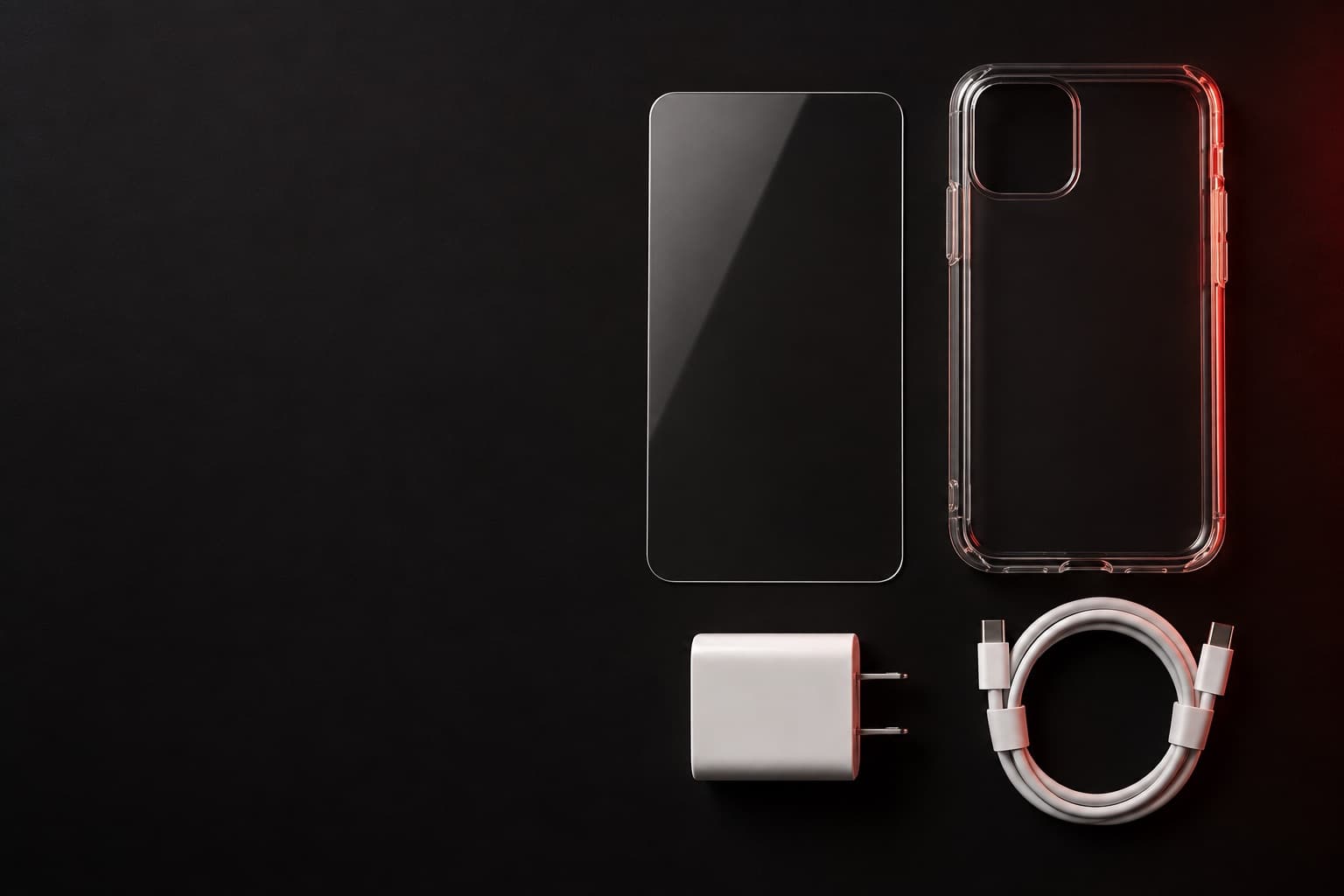
Book any repair online and claim a free screen protector, case, or charger. Our team picks the one that fits your phone when you come in.
Screen protector · Case · Charger
Claim it when you book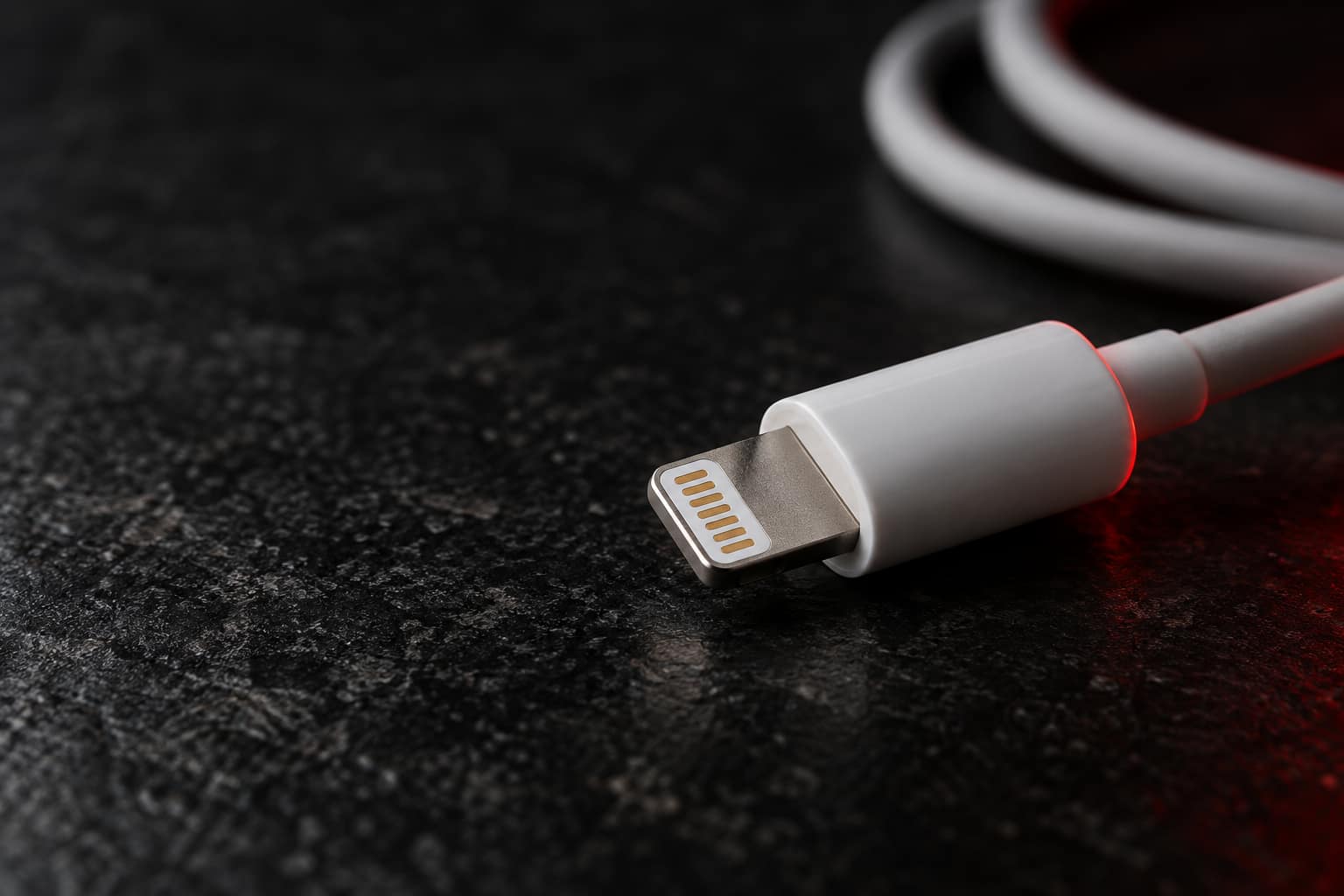
Premium-quality parts
Charging-port repairs at Wireless Vision use premium-quality parts, and we confirm your exact model before choosing the part.
Final price at the counter
Bring the phone and the cable you use. We check and clean the port first, then talk price at the counter if it needs a part. You approve the quote before any work starts.
iPhone 12 charging port from $50
Listed prices are starting estimates based on the prices currently published by Wireless Vision. The Beltsville store confirms the final price after verifying the exact model, condition, required part, and applicable tax before work begins.
Before you bring it in
Show the 4 stepsHide the steps
Back up to iCloud over Wi-Fi if the phone still works: Settings > your name > iCloud > iCloud Backup > Back Up Now. A computer backup needs a working port, so iCloud is the easier route.
Have your passcode ready so we can unlock the phone and test charging once the port is sorted out.
Bring the cable and power adapter you use at home. We test with them as well as ours.
Don't dig in the port with a pin, toothpick, or anything metal. We check and clean the port first.
Visit the store
Hours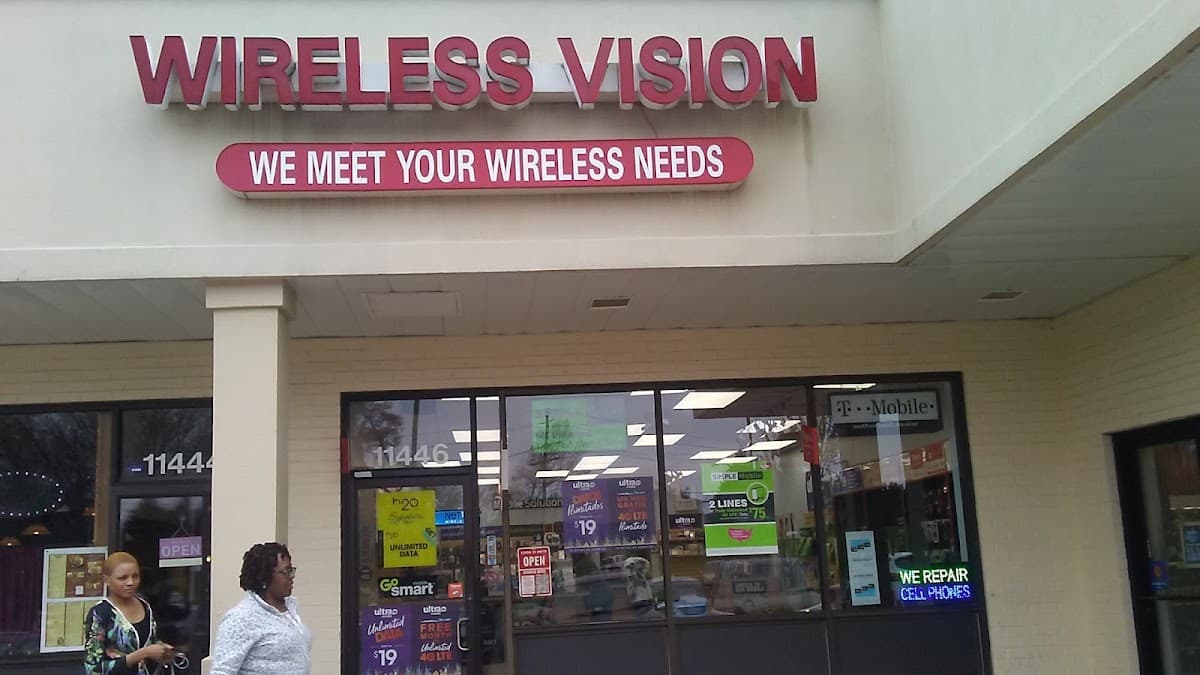
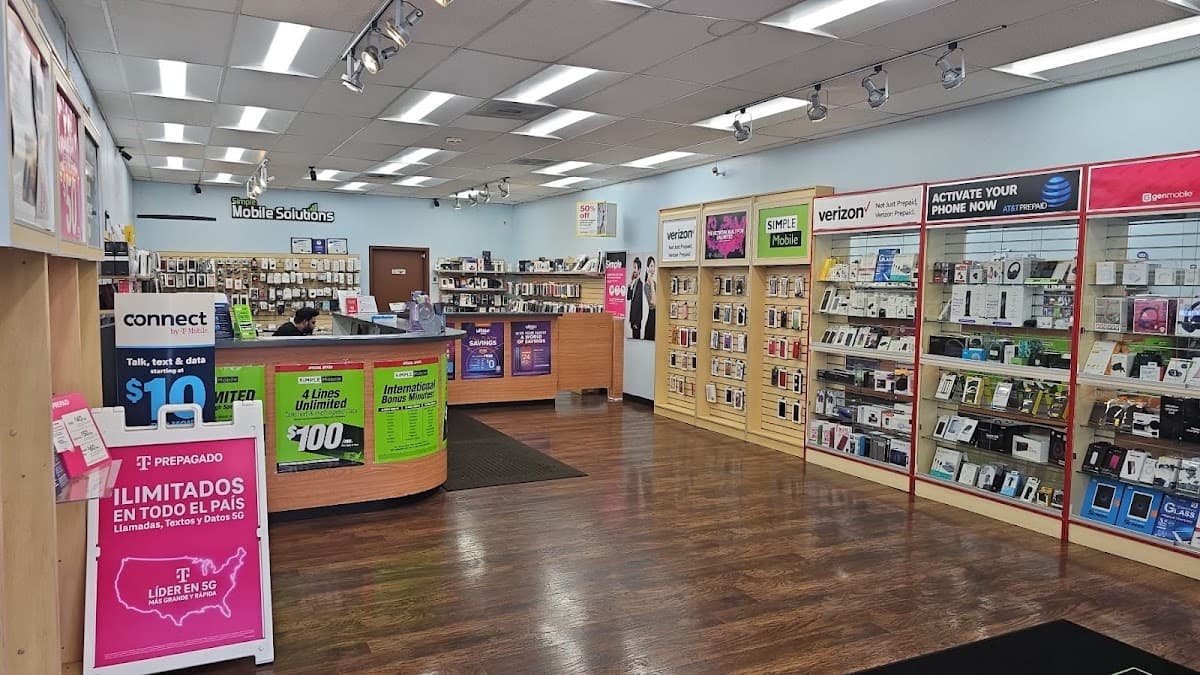
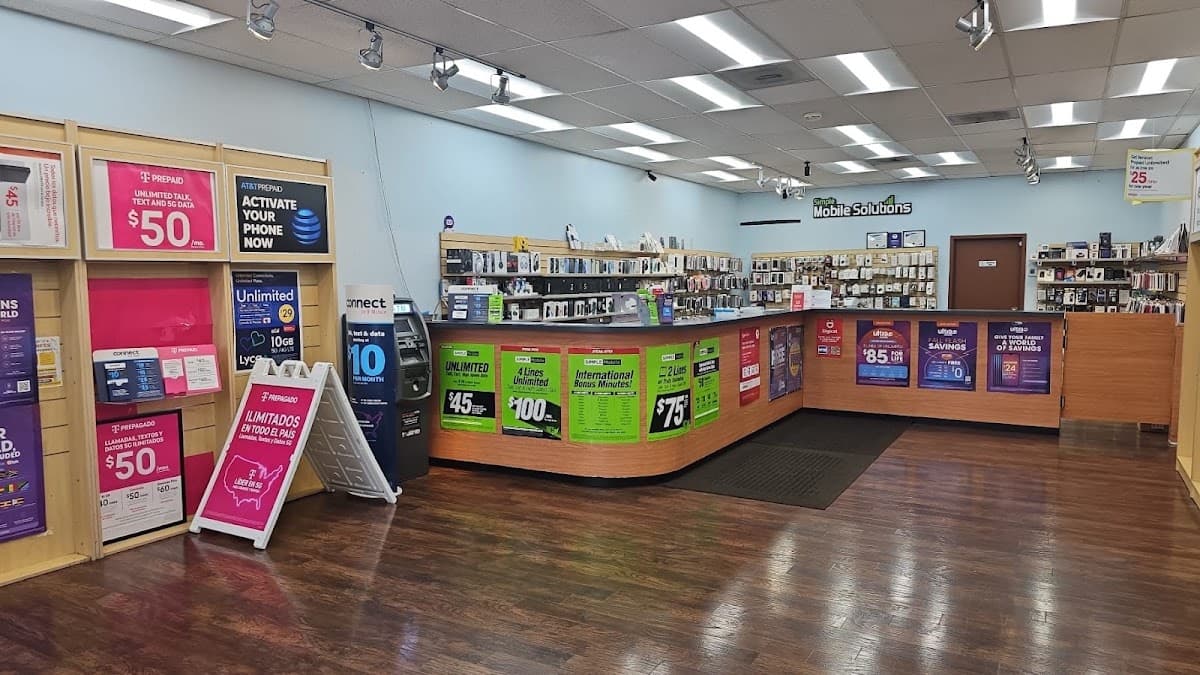
Address
Wireless Vision
11446 Cherry Hill Rd
Beltsville, MD 20705
Hours
- Mon–Sat 10 AM–8 PM
- Sun 11 AM–6 PM