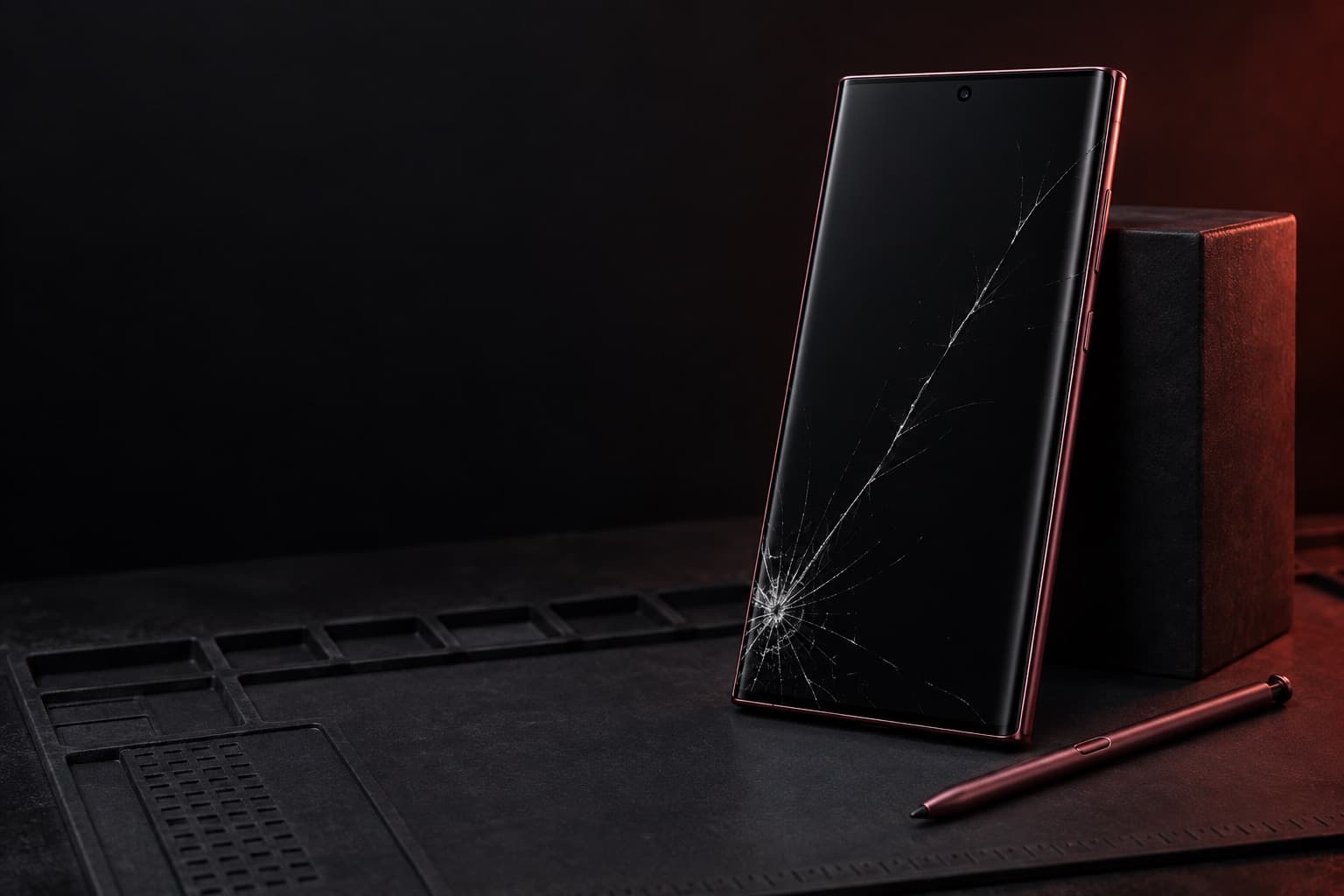
Galaxy S22 Ultra screen replacement in Beltsville, MD
Samsung put an S Pen inside a Galaxy S phone for the first time with the S22 Ultra, and it writes directly on the curved 6.8-inch AMOLED screen. A crack there can affect touch, the pen, and fingerprint unlock, so we look at all three at our Beltsville store.
Estimated starting price$165
Final price confirmed in store before any work.
Booking sends a request, not a confirmed appointment. The store confirms your model and visit.
6.8-inch Dynamic AMOLED 2X, Edge screen
Released 2022. Specs as published by Samsung.
- Panel
- Dynamic AMOLED 2X, curved Edge screen
- Size
- 6.8 inches
- Resolution
- Quad HD+ (3088 × 1440)
- Refresh
- Adaptive 1–120Hz
- Under the screen
- Ultrasonic fingerprint sensor
- Front glass
- Gorilla Glass Victus+
Signs your Galaxy S22 Ultra screen needs replacing
- A crack that starts on a curved edge and wraps toward the front
- A thin green or pink vertical line
- Purple or black bleed spreading out from where it was hit
- Edge swipes, like the back gesture or the Edge panel, stop responding
- The S Pen stops writing near the edges or corners
If the phone is hot, swelling, or has glass coming loose, stop using and charging it, and call the store.
What to know about the Galaxy S22 Ultra
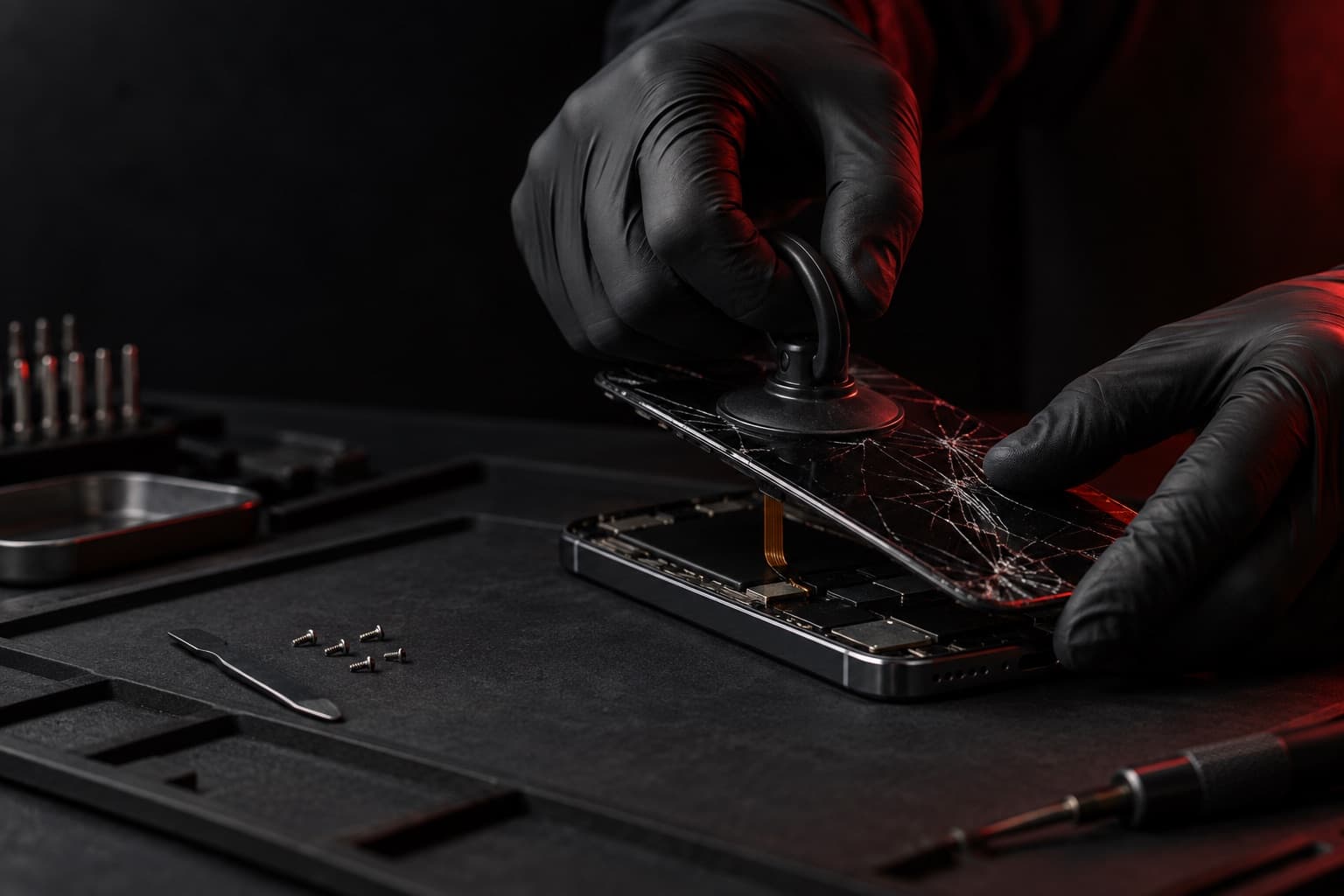
- Plan to re-add your fingerprints
- The S22 Ultra's fingerprint sensor is ultrasonic and sits under the display. Samsung's support guidance is to re-register fingerprints after changing what sits over the sensor, such as a new screen protector, so add yours again after the new screen goes on.
- Screen protectors matter on this phone
- Samsung says protectors that aren't made for its ultrasonic sensor can reduce fingerprint accuracy, especially thick, textured, or dotted ones. If your free accessory is a screen protector, make sure it's one that fits the S22 Ultra.
- Check the S Pen near the edges
- Because the S Pen writes on the display, try it in the corners and along the curved sides after the repair.
- S22 Ultra or S23 Ultra?
- Settings > About phone shows the model number: SM-S908 is the S22 Ultra, SM-S918 is the S23 Ultra. They look alike, so it's worth checking.
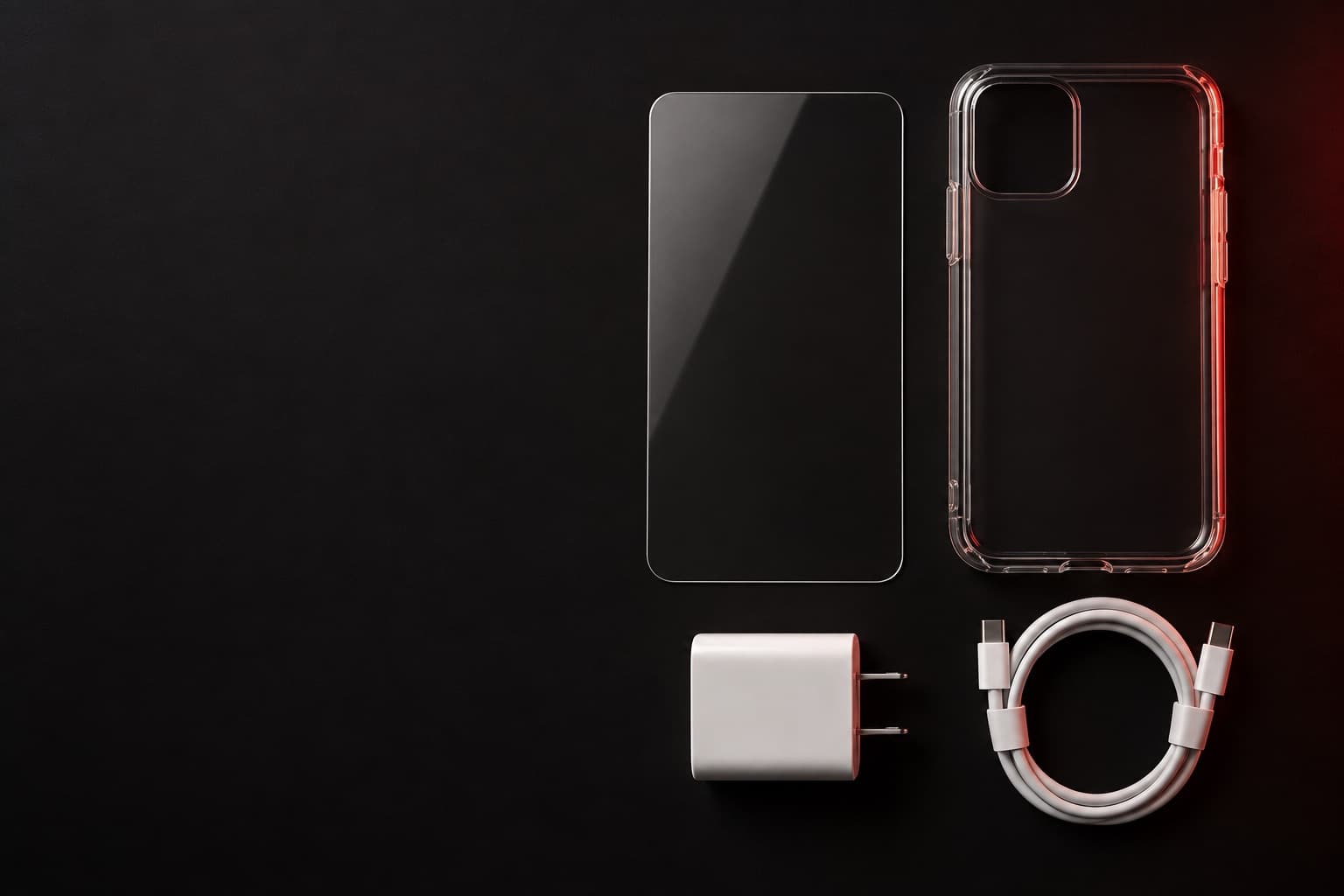
Book online, get a free accessory.
Book any repair online and claim a free screen protector, case, or charger. Our team picks the one that fits your phone when you come in.
Screen protector · Case · Charger
Claim it when you book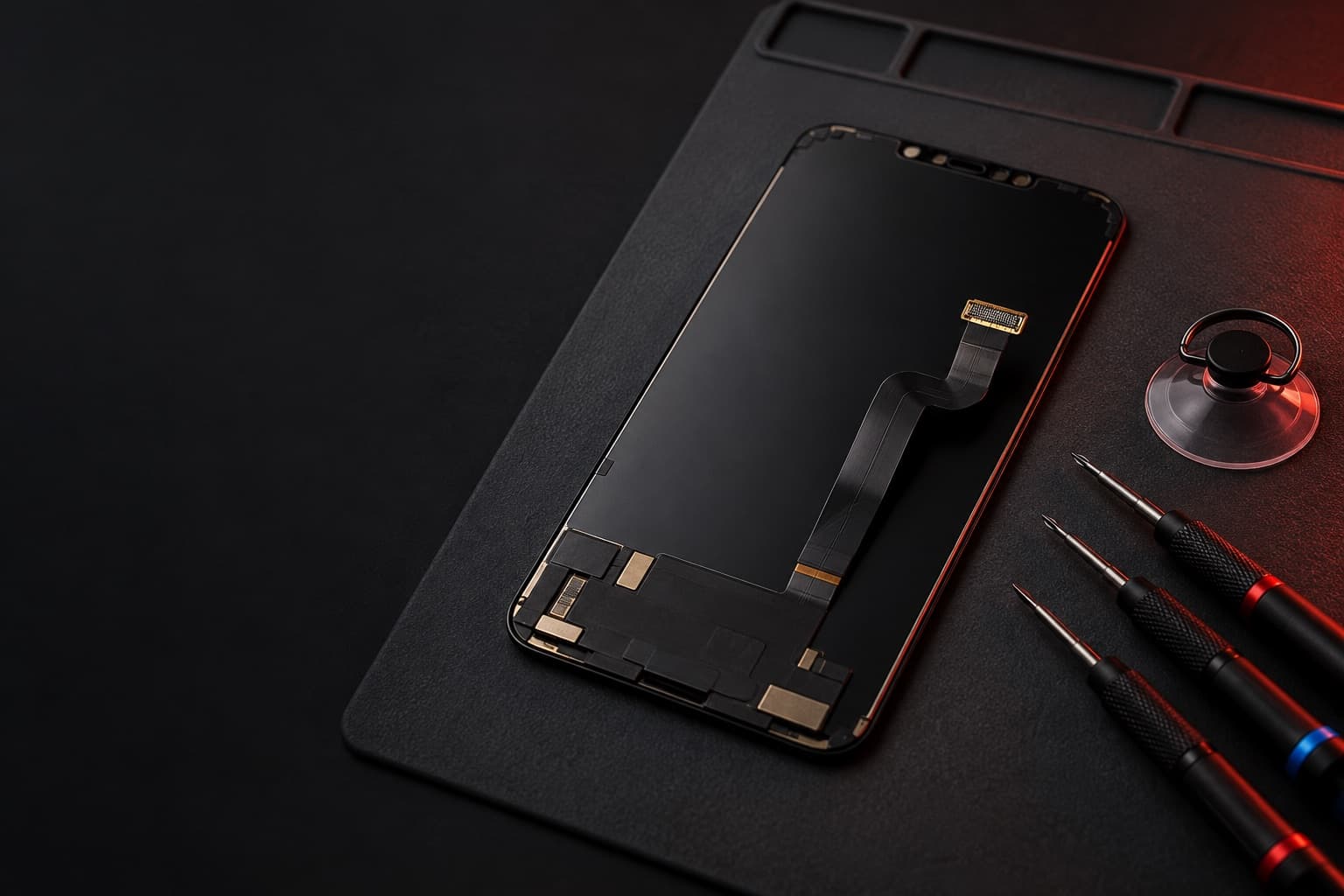
The right part for your model
Screen replacements at Wireless Vision use premium-quality parts, and we confirm your exact model before choosing the part.
Final price before any work
Bring the phone in and show us the damage. We check the part your model needs and give you the final price, and we're open to talking it over. Work starts only when you say yes.
Galaxy S22 Ultra screen from $165
These are estimated starting prices for repairs requested on this site. We check your exact model, its condition and the part it needs, then confirm the final price (plus any tax) at our Beltsville store before any work starts.
Before you bring it in
Show the 4 stepsHide the steps
Back up first if the phone still works: Settings > Accounts and backup > Back up data (Google Drive), or Settings > your Samsung account name > Samsung Cloud > Back up data. Smart Switch on a PC or Mac also works.
Have your PIN, pattern, or password ready to unlock and check the phone once the new screen is on.
Leave the S Pen in the phone so you can try it on the new screen.
If the screen is too broken to back up, tell us. A screen replacement doesn't normally require erasing the phone.
Common questions
- How much does Galaxy S22 Ultra screen replacement cost?
- The estimated price for Galaxy S22 Ultra screen replacement is from $165. We check your exact model, its condition and the part it needs, then confirm the final price (plus any tax) at our Beltsville store before any work starts.
- How do I know my Galaxy S22 Ultra screen needs replacing?
- Look for these signs: A crack that starts on a curved edge and wraps toward the front. A thin green or pink vertical line. Purple or black bleed spreading out from where it was hit.
- What should I do before I bring in my Galaxy S22 Ultra?
- Back up first if the phone still works: Settings > Accounts and backup > Back up data (Google Drive), or Settings > your Samsung account name > Samsung Cloud > Back up data. Smart Switch on a PC or Mac also works. Have your PIN, pattern, or password ready to unlock and check the phone once the new screen is on. You don't need an appointment: walk in anytime we're open, or book online.
Visit the store
Hours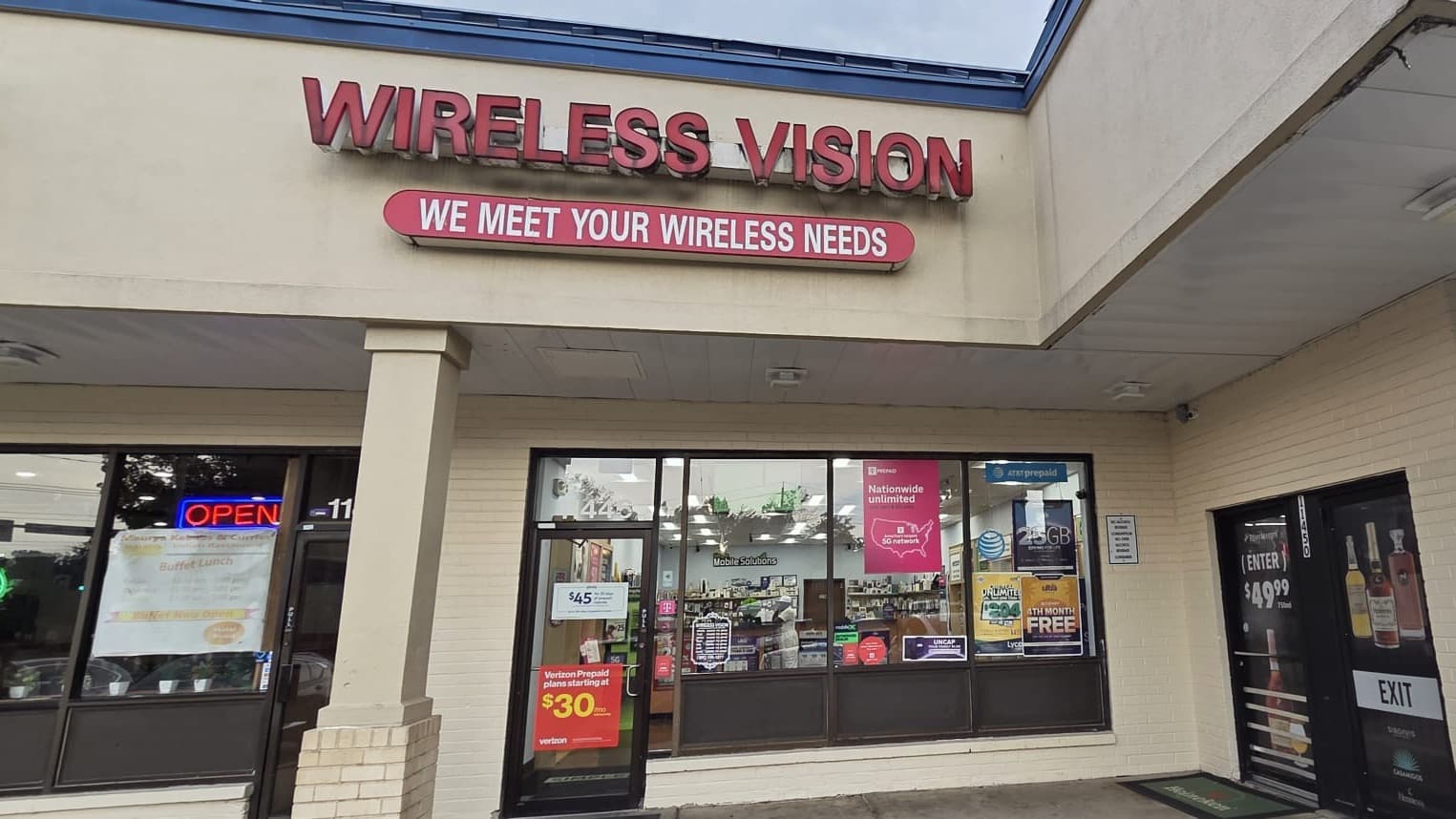
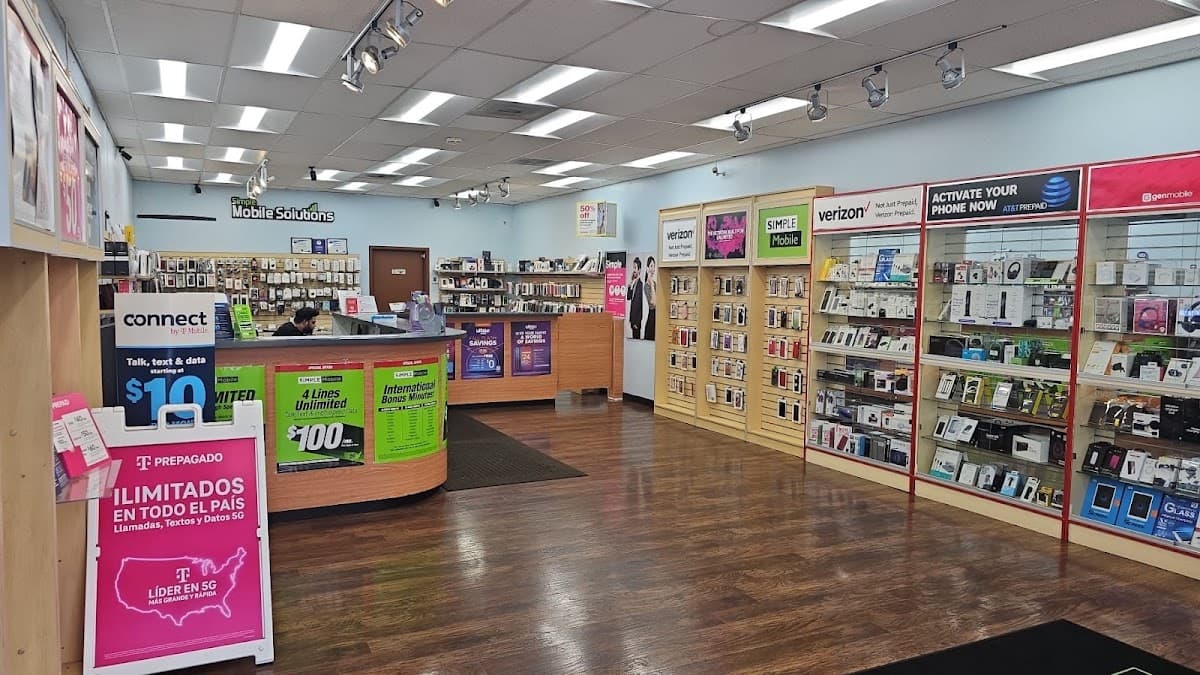
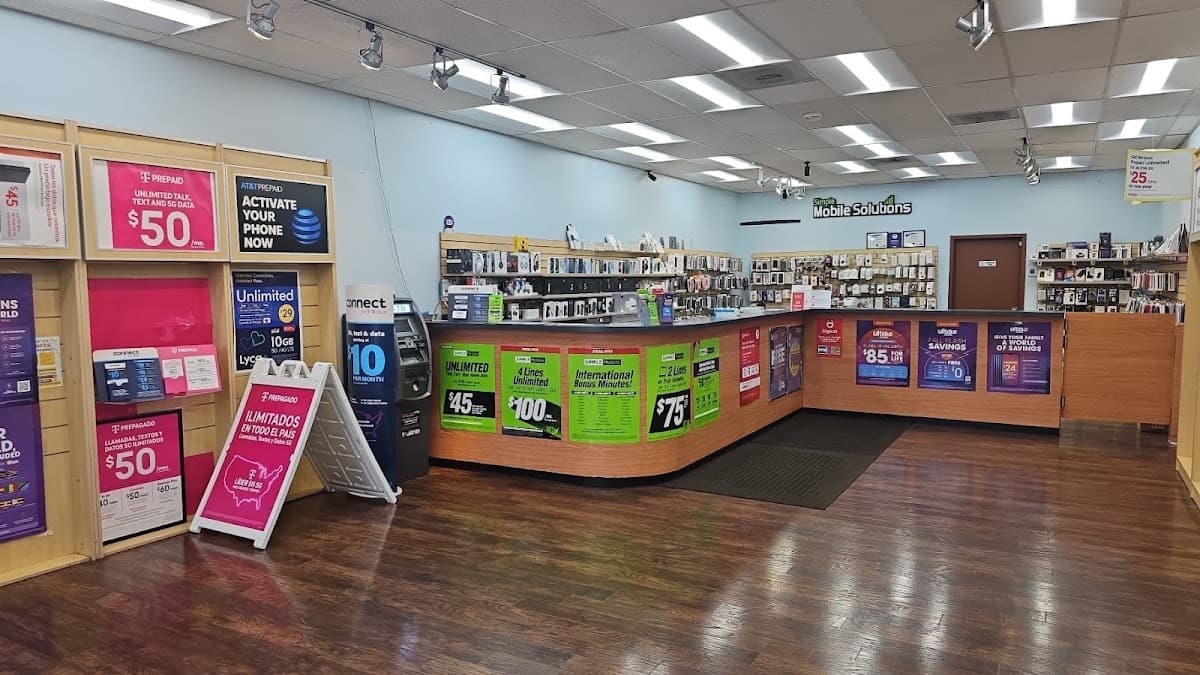
Address
Wireless Vision
11446 Cherry Hill Rd
Beltsville, MD 20705
Hours
- Mon–Sat 10 AM–8 PM
- Sun 11 AM–6 PM