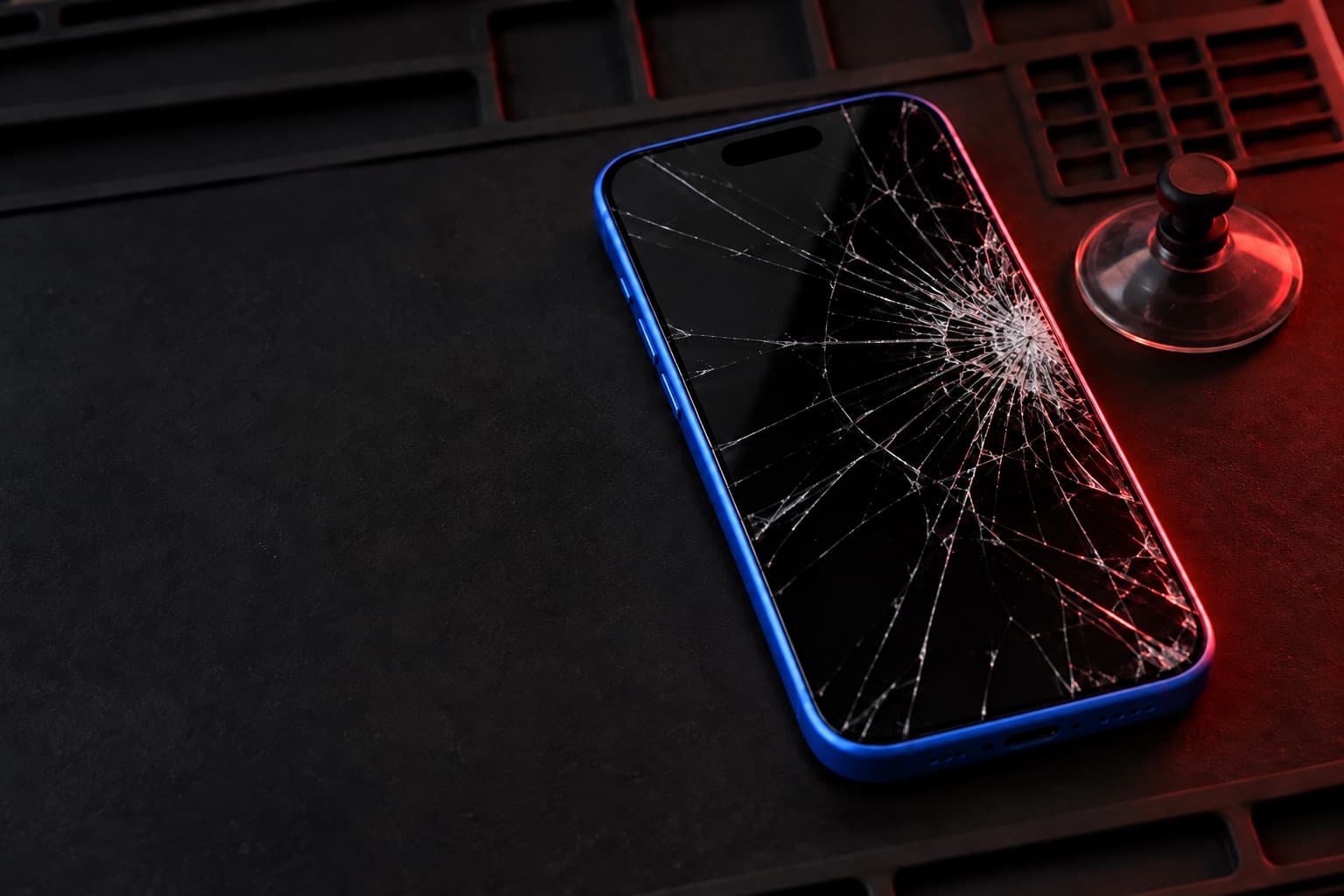
iPhone 16 screen replacement in Beltsville, MD
The iPhone 16 brings the Dynamic Island to a 6.1-inch Super Retina XDR OLED screen that still refreshes at 60Hz and keeps the Ceramic Shield front. It is a recent model, so we quote the screen in store. Bring a cracked one to our Beltsville store on Cherry Hill Road and we'll take a look.
Price: quoted in store
Booking sends a request, not a confirmed appointment. The store confirms your model and visit.
6.1-inch Super Retina XDR OLED
Released 2024. Specs as published by Apple.
- Panel
- OLED, Super Retina XDR
- Size
- 6.1 inches (diagonal)
- Resolution
- 2556 × 1179 at 460 ppi
- Refresh
- 60Hz (no ProMotion)
- Top of the screen
- Dynamic Island
- Front glass
- Ceramic Shield
Signs your iPhone 16 screen needs replacing
- Cracks around the Dynamic Island while the picture below still works
- Taps near the top edge that the screen does not register
- A green or pink line that appeared across the OLED after a drop
- A dark spot near a corner that slowly grows
- The screen lights up but one strip stops responding to touch
If the phone is hot, swelling, or has glass coming loose, stop using and charging it, and call the store.
What to know about the iPhone 16
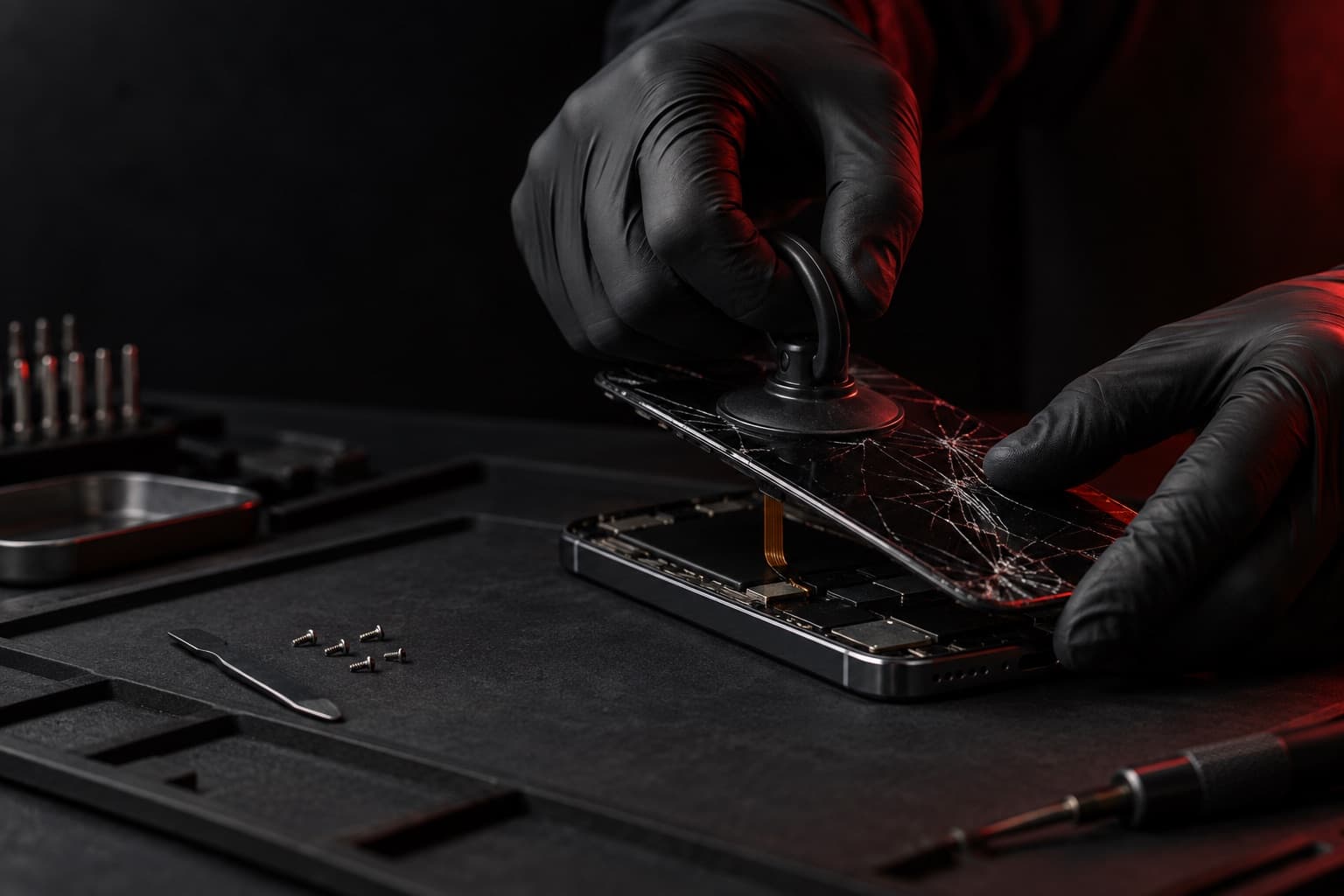
- A recent model, quoted in store
- The iPhone 16 is a recent model, so its screen is quoted in store rather than listed as a starting price. Call ahead and we'll talk through the options for your 6.1-inch screen.
- Dynamic Island and Face ID sit at the top
- The TrueDepth camera for Face ID is in the Dynamic Island cutout. A screen replacement doesn't swap those parts, but a hard drop can affect them too, so tell us if Face ID still worked after the damage.
- Check brightness and touch after the repair
- Once the new screen is on, look at True Tone under Settings > Display & Brightness and tap in every corner around the Dynamic Island.
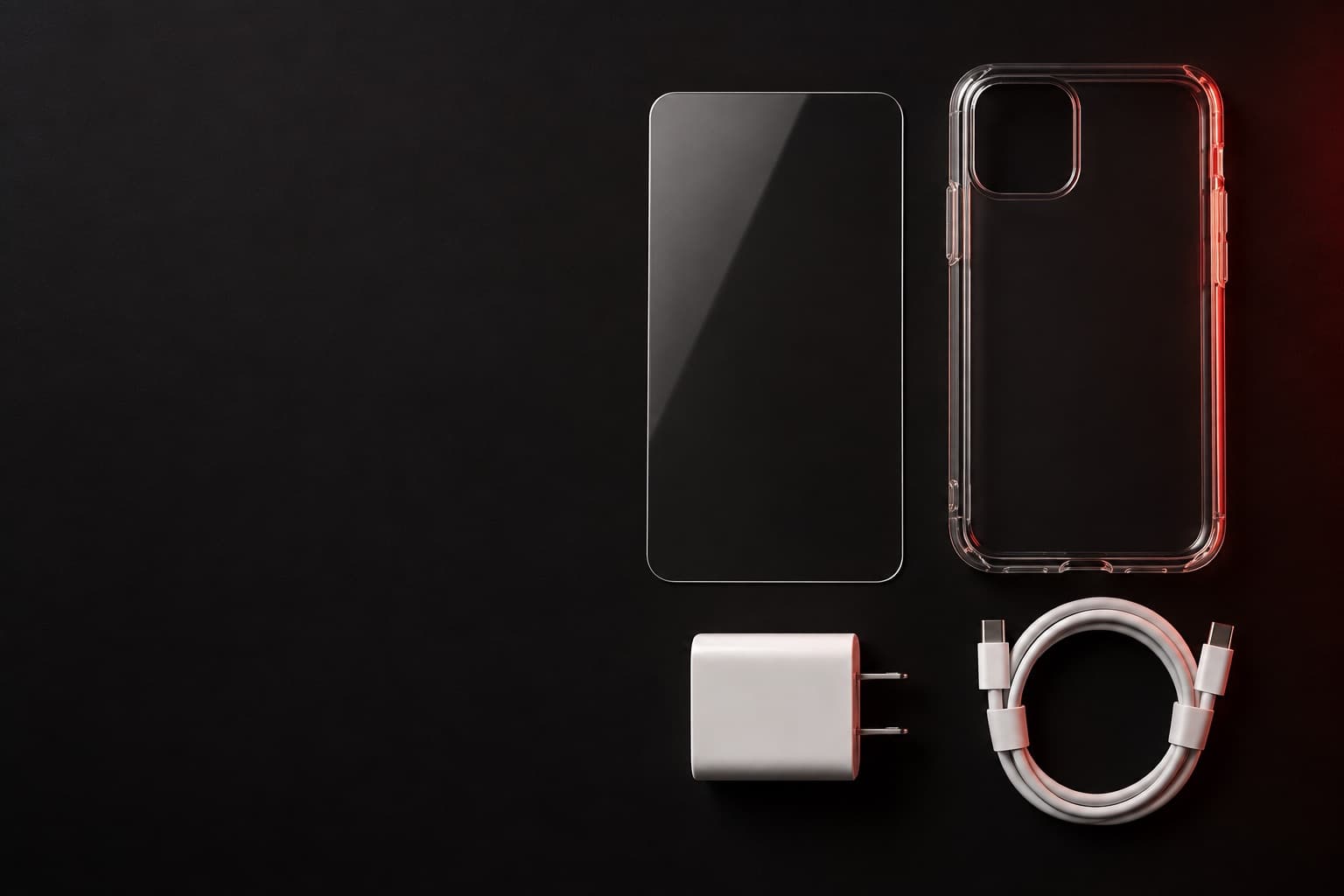
Book online, get a free accessory.
Book any repair online and claim a free screen protector, case, or charger. Our team picks the one that fits your phone when you come in.
Screen protector · Case · Charger
Claim it when you book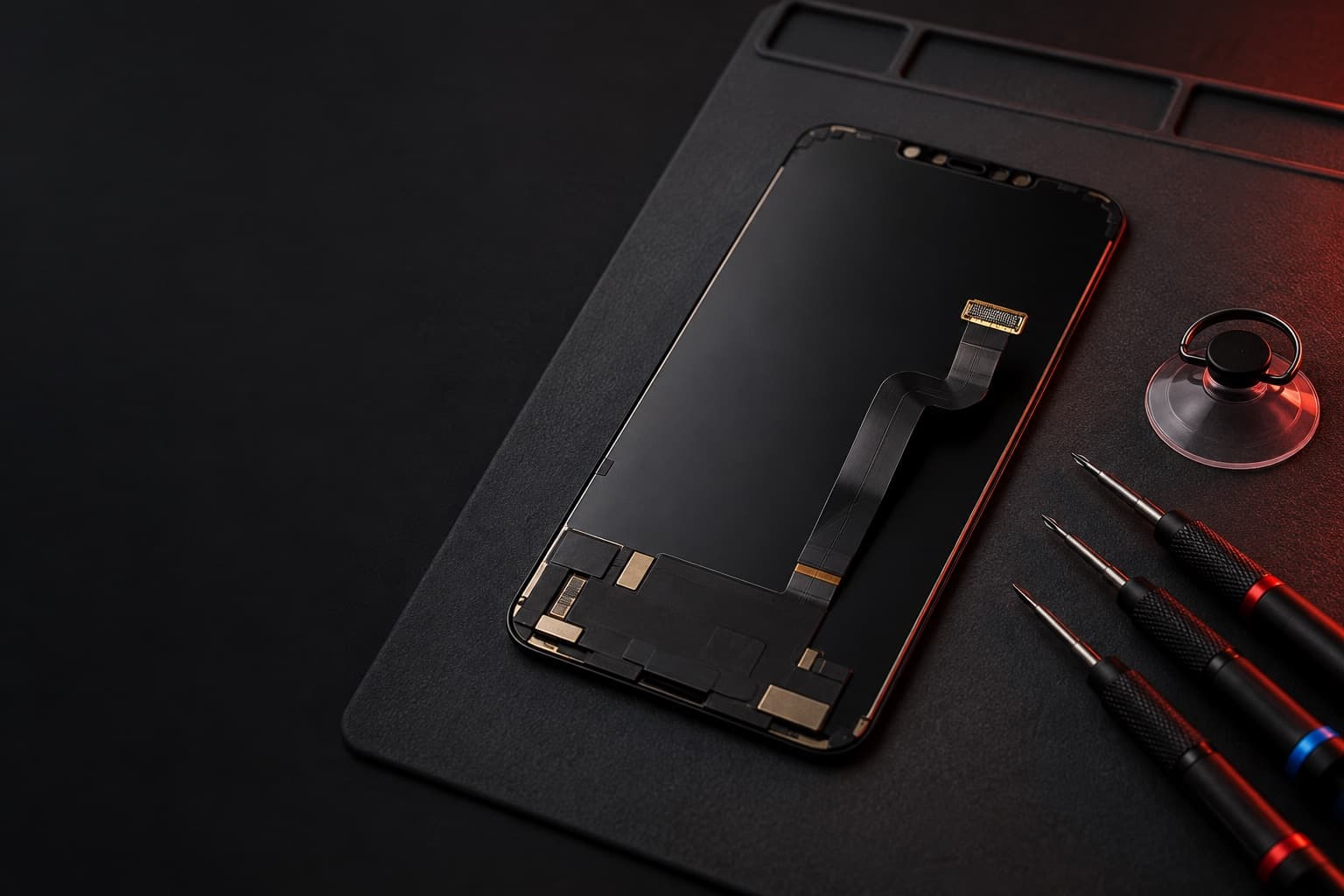
The right part for your model
Screen replacements at Wireless Vision use premium-quality parts, and we confirm your exact model before choosing the part.
Final price before any work
Bring the phone in and show us the damage. We check the part your model needs and give you the final price, and we're open to talking it over. Work starts only when you say yes.
Quoted in store after we see the phone
Before you bring it in
Show the 5 stepsHide the steps
Back up first if the phone still works: Settings > your name > iCloud > iCloud Backup > Back Up Now, on Wi-Fi. A computer backup works too.
Have your passcode ready. You'll want it to unlock and check the phone once the new screen is on.
Note what worked before the damage: Face ID, True Tone, the front camera, and touch in every corner. It helps separate old problems from new ones.
If the screen is too broken to back up, tell us. A screen replacement doesn't normally require erasing the phone.
Because it's a recent model, call the store before you come to talk about the screen for your iPhone 16.
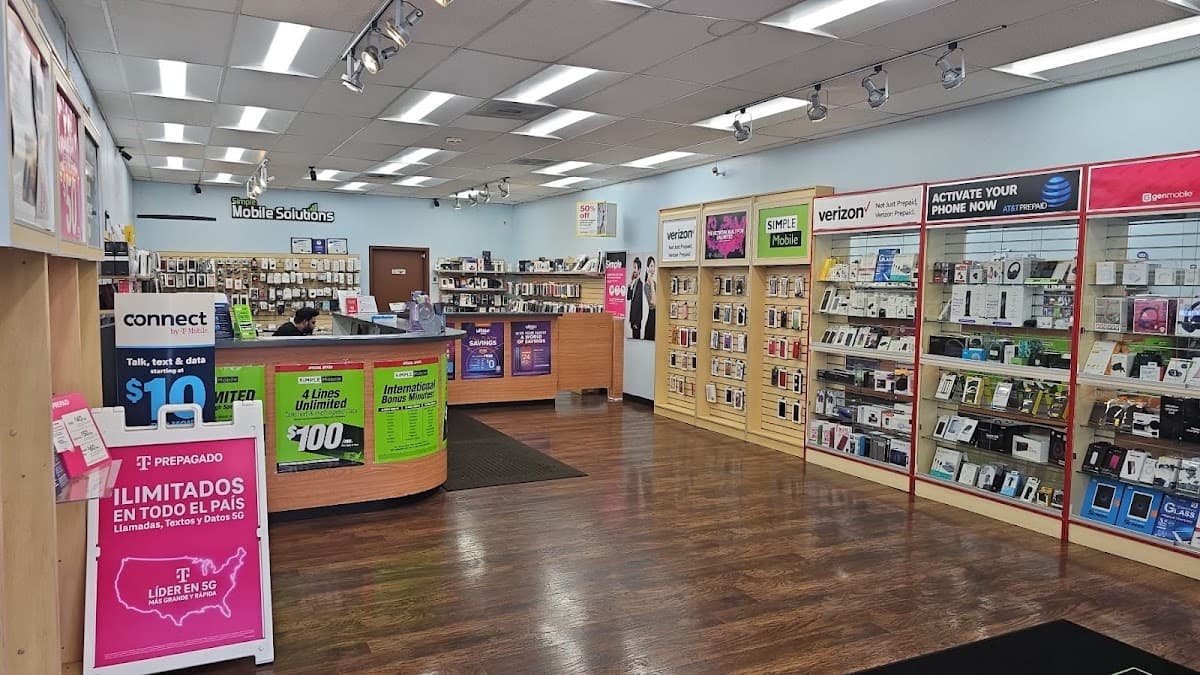
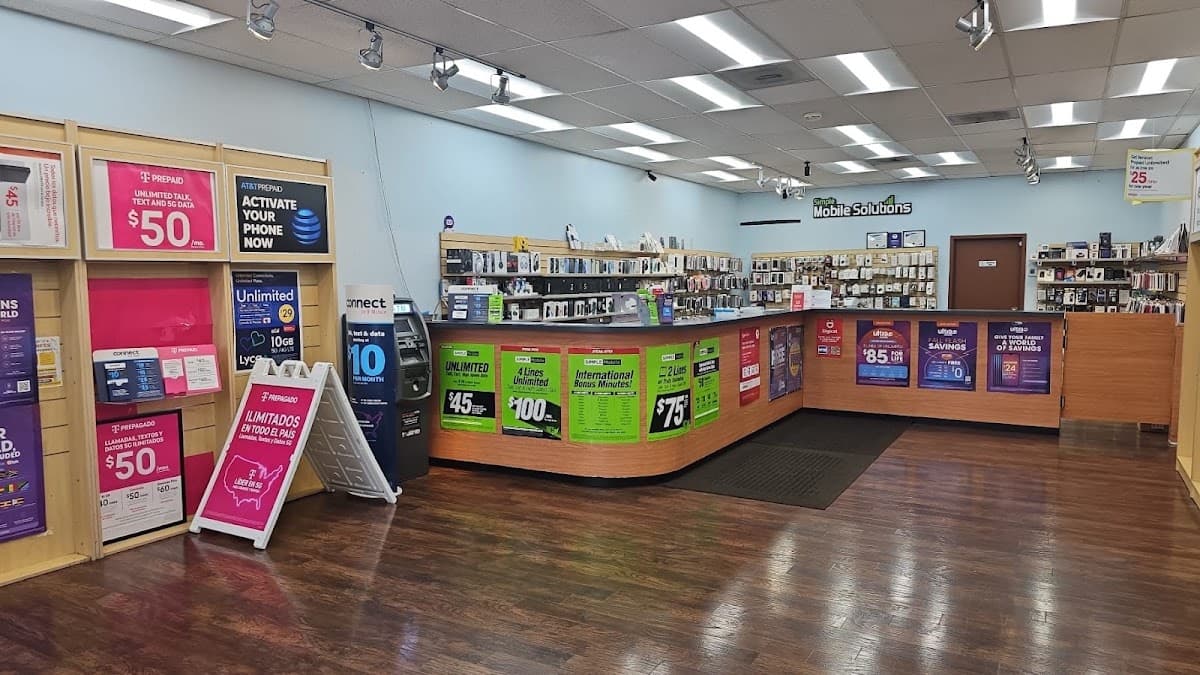
Visit the store
Hours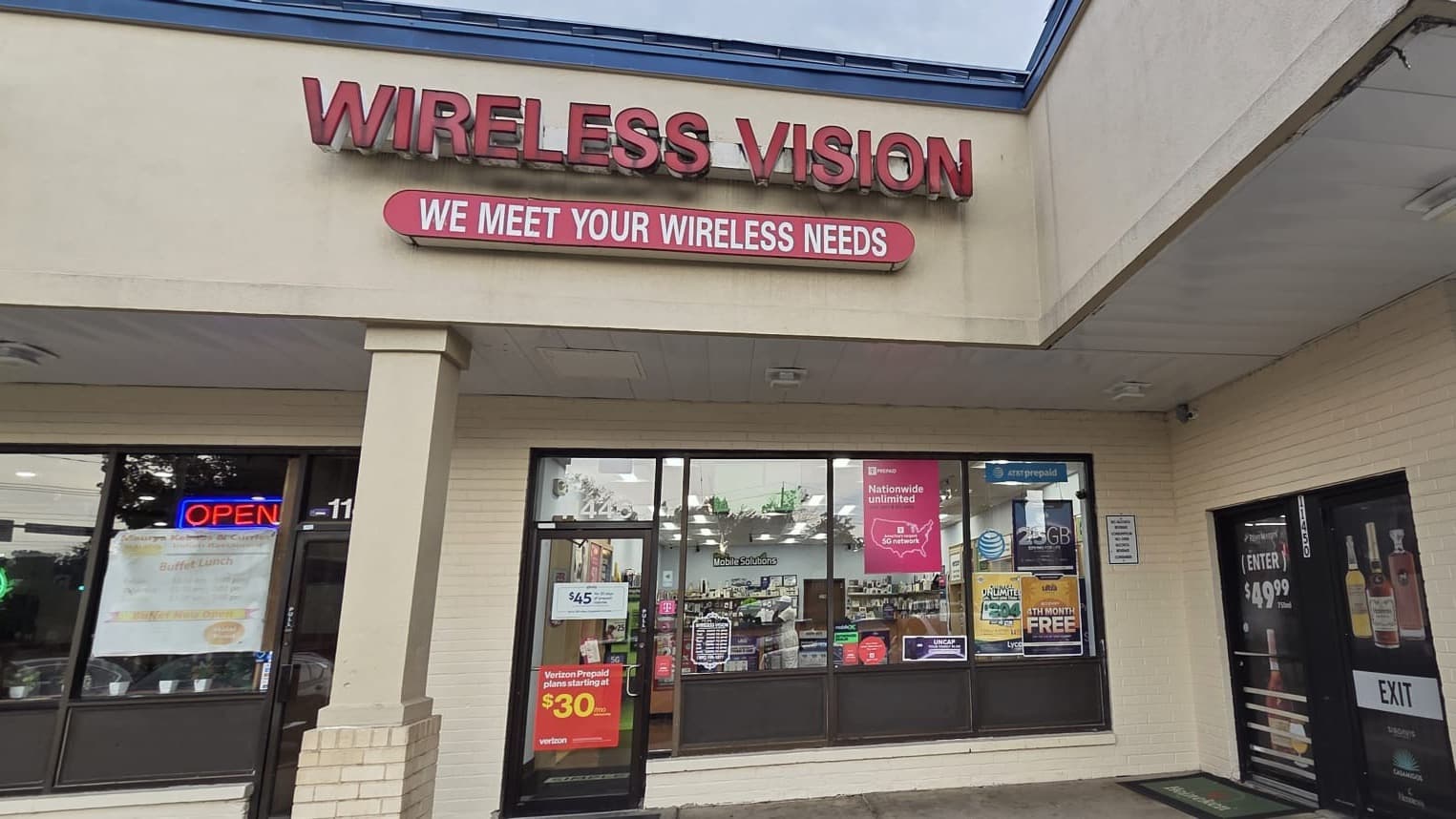
Address
Wireless Vision
11446 Cherry Hill Rd
Beltsville, MD 20705
Hours
- Mon–Sat 10 AM–8 PM
- Sun 11 AM–6 PM